Catering ordering system: Organise preorders and group orders
Catering brings predictable revenue, provided orders are not scattered across emails, phone notes and spreadsheets. A catering ordering system helps orders arrive complete, with lead time, a fixed delivery window, a minimum quantity and an agreed payment method. This saves phone calls and prevents mistakes with quantities and dates.
You also retain direct contact with your business customers, and no platform takes a cut of every order.
Find out how quickly this could work in your business in a free, no-obligation demo.
Before you start: six points for your catering offer
Set a few rules in advance so that your catering does not fall down on the details. This turns a loose enquiry into a repeatable process for both your team and your customers.
- Define lead times, such as 48 hours, and unavailable dates such as closing days and public holidays.
- Set minimum order values and quantities by category or item.
- Use fixed delivery and collection times rather than “sometime in the morning”.
- Create a catering menu with packages, variants and extras.
- Agree on payment methods: immediate payment, deposit or invoice with payment terms.
- Decide who checks, confirms and bills orders.
Everyday orders and catering compared
| criterion | Everyday orders | Catering |
|---|---|---|
| Lead time | Minutes to hours | Days to weeks |
| Scheduling | Immediate fulfilment dominates | Fixed time slots |
| Quantities | Small baskets | Large quantities, minimum quantities, tiers |
| Communication | Little coordination | More details needed, less flexibility |
| Payment | Usually immediate | Often invoice or deposit |
| Risk of mistakes | Limited | High: an event with many people |
Why catering works differently from everyday orders
Catering customers do not order simply because they are hungry right now. You plan production, purchasing and staffing in advance, and expectations are higher. Delivering school meals for three classes late has more serious consequences than a late pizza.
Catering ordering software therefore needs to do more than accept orders. It must address organisational challenges through scheduling, clear rules and required information that leaves no questions unanswered.
Lead times and planning
Without clear lead times, every large order becomes stressful. Your website should offer only dates you can realistically fulfil. That includes order deadlines, such as noon two days beforehand, and, where needed, a cap per day or time slot. Customers can then see available dates while ordering.
A well-designed ordering process also saves many follow-up questions. The number of guests, on-site contact, allergens, delivery address and delivery window belong in required fields or fixed choices. Only then does an enquiry become an order the kitchen and delivery team can work with.
Quantity tiers and minimum order values
Catering must be profitable. These three rules are common:
- Minimum quantity per item, such as at least 10 portions
- Package sizes, such as a platter for 8 or 12 people
- Tiered prices, such as 10–19, 20–39 and 40 or more portions
This is particularly important for group orders that combine individual requests from businesses, nursery operators or schools. When the ordering website checks minimums automatically, it prevents unprofitable small orders and misunderstandings about prices.
Fixed collection and delivery times instead of immediate orders
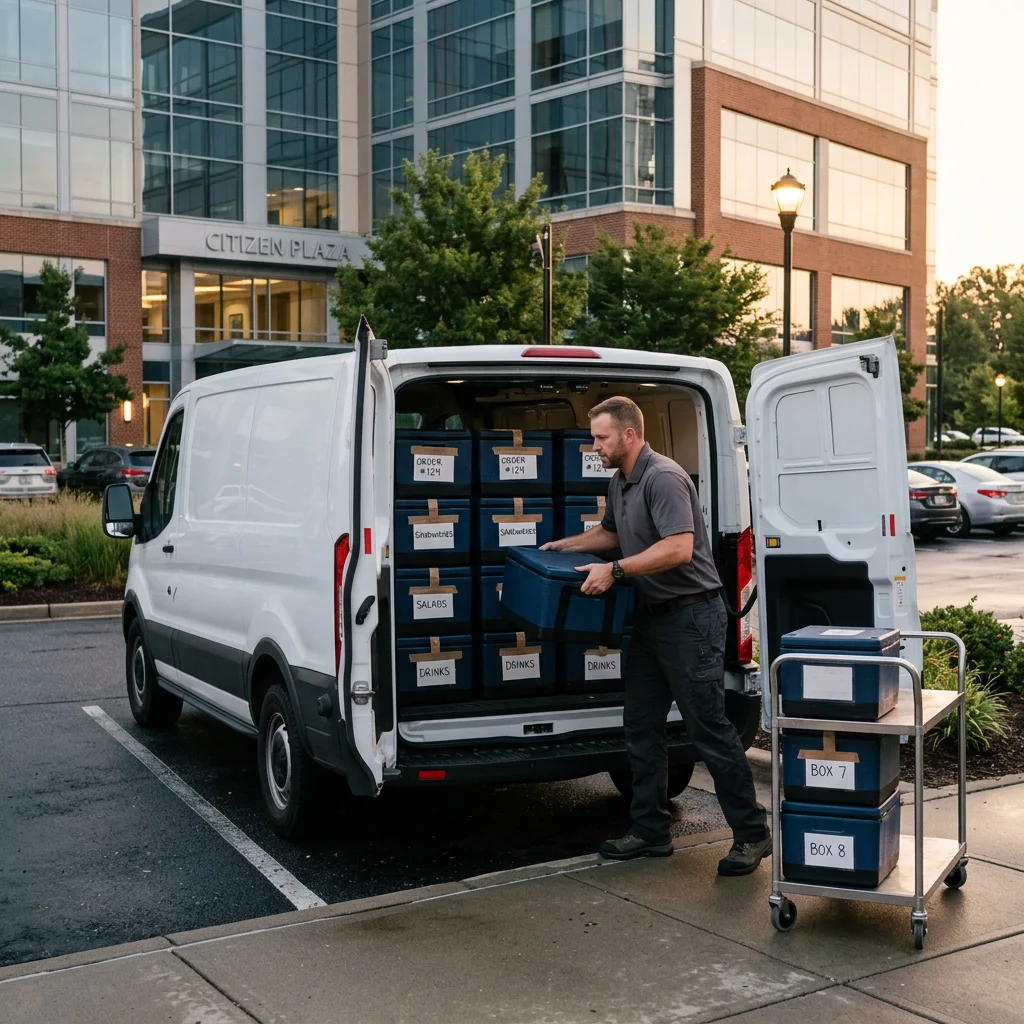
The ordering website should clearly separate immediate everyday orders from catering preorders. Fixed windows, such as 11:30–12:00 and 12:00–12:30, help the kitchen and drivers plan.
This spreads peak workloads, reduces late deliveries and removes vague arrangements to come by at any time. Your customers can also plan around a fixed time internally.
Requirements for a catering ordering system
A catering ordering website primarily needs functions that make orders predictable. These include preorders with scheduling, menu management with variants, clear payment processing and integrations that avoid duplicate work. Regular customers such as businesses, schools and institutional operators may also need customer accounts with a login.
Preorders and scheduling
Preorders with scheduling are central to catering. Customers choose a date and time before completing the order, even when your kitchen is closed.
What GastroSprint offers for this:
- Guests can preorder for an available time, including outside your opening hours.
- Minimum order values and delivery fees can be configured by zone.
- You configure variants and extras for each dish.
This creates a process with fewer follow-up questions. The customer fills the basket, selects a time and payment method, and receives an email acknowledging the order, followed by a message confirming whether you accepted it.
Menu and variant management
A catering menu remains easy to navigate only when packages, variants and extras follow a clear structure that both guests and the kitchen understand.
In practice, you create platters for 8 or 12 people as variants with their own total prices, and offer additional requests as extras, much like a configurator. GastroSprint also lets you bundle several items into a menu, such as a lunch package. Allergens and other required details must accompany every item and also appear on the kitchen packing list.
Tiered prices, group orders and customer accounts
Group orders combine everything into one order instead of creating twenty separate meal orders. Important points include:
- Many items in one order with one time, one address and one contact person
- Price and quantity tiers for packages that make financial sense
- Optional group accounts or ordering profiles for businesses, school catering or nursery groups
For schools and nurseries, clarify who places the order beforehand. A group order from the operator fits this model well. If parents order individually for their children, the process is closer to a subscription and requires a different solution with individual billing.
Customer accounts that store delivery addresses, billing details and contacts can be worthwhile for regular customers. Keep registration simple, using an email address as the login rather than a separate username, with only a few required fields.
Payment gateways: immediate payment and invoicing
Catering is often paid for by invoice, but you may also want to offer immediate payment on your own ordering website. Both options must be clear at checkout.
- Private customers: Immediate online payment, for example by credit card or PayPal
- Businesses and institutions: Invoice with payment terms, often only after approval as a business customer
An invoice requires the company name, billing address and reference or cost centre. If you require a deposit, include the amount and due date in the order confirmation.
A private customer who wants to pay immediately for a buffet for 30 people on a GastroSprint website uses a credit card or PayPal. The money goes directly to your own Mollie account through Mollie Connect. You currently create invoices outside the ordering website; see the limitations below.
API integrations with POS and accounting systems
As your catering business grows, maintaining the same data twice becomes costly. Connections to your POS, accounting and, where appropriate, stock management systems become important. Further automation may use an API integration, such as REST interfaces or webhooks, depending on the provider.
GastroSprint currently integrates with WinOrder, with further POS integrations planned. There is no public API yet. See what is currently available in the full feature overview.
Data protection (GDPR)
Businesses and public institutions in particular ask about data protection under the GDPR. Three points are especially important to them:
- Clear information about which data is collected and for what purpose
- Encrypted transmission of personal data during checkout
- Data processing agreements with all service providers, including integrations
You remain responsible for your guests’ data. A contract under Article 28 GDPR governs processing by your ordering website provider.
Implementation: catering as a separate category in your existing ordering website
The simplest approach is to add a catering category to your existing ordering website rather than introduce another platform. All orders arrive in one place, avoiding duplicate maintenance, repeated mistakes and extra training.
We can show you what this category could look like for your offer in a demo.
Step by step: set up a category, preorders and delivery zones
The simplest way to represent minimum quantities and tiered prices is through fixed package sizes with their own prices, combined with a minimum order value per zone. Follow these steps:
- Create a catering category: Add your own products and packages with clear descriptions and fixed sizes.
- Prepare for preorders: Maintain opening hours, check closing days and public holidays, and state the required lead time in product descriptions.
- Set delivery zones and fees: Define a minimum order value and delivery fee per zone so each trip is worthwhile. Learn how to set radiuses, zones and postcodes in the delivery area guide.
- Clarify payment methods: Immediate online payment, with invoicing only for known business customers.
- Make repeat orders easier: Create standard packages that business customers can select again for each new order.
Mobile ordering app and responsive design
Businesses ordering catering rarely plan everything at a desk in one sitting. A link is sent to a colleague by messenger, approval comes from a meeting, and confirmation happens on a smartphone.
- A responsive checkout helps reduce abandonment, especially with large baskets.
- Orders can be reviewed, approved internally and completed on the move.
- Clear time selection on a smartphone prevents scheduling mistakes.
For catering customers, a website that works in the browser on every device is usually sufficient. An own app is more relevant for regular guests placing everyday orders.
Checklist for the event day
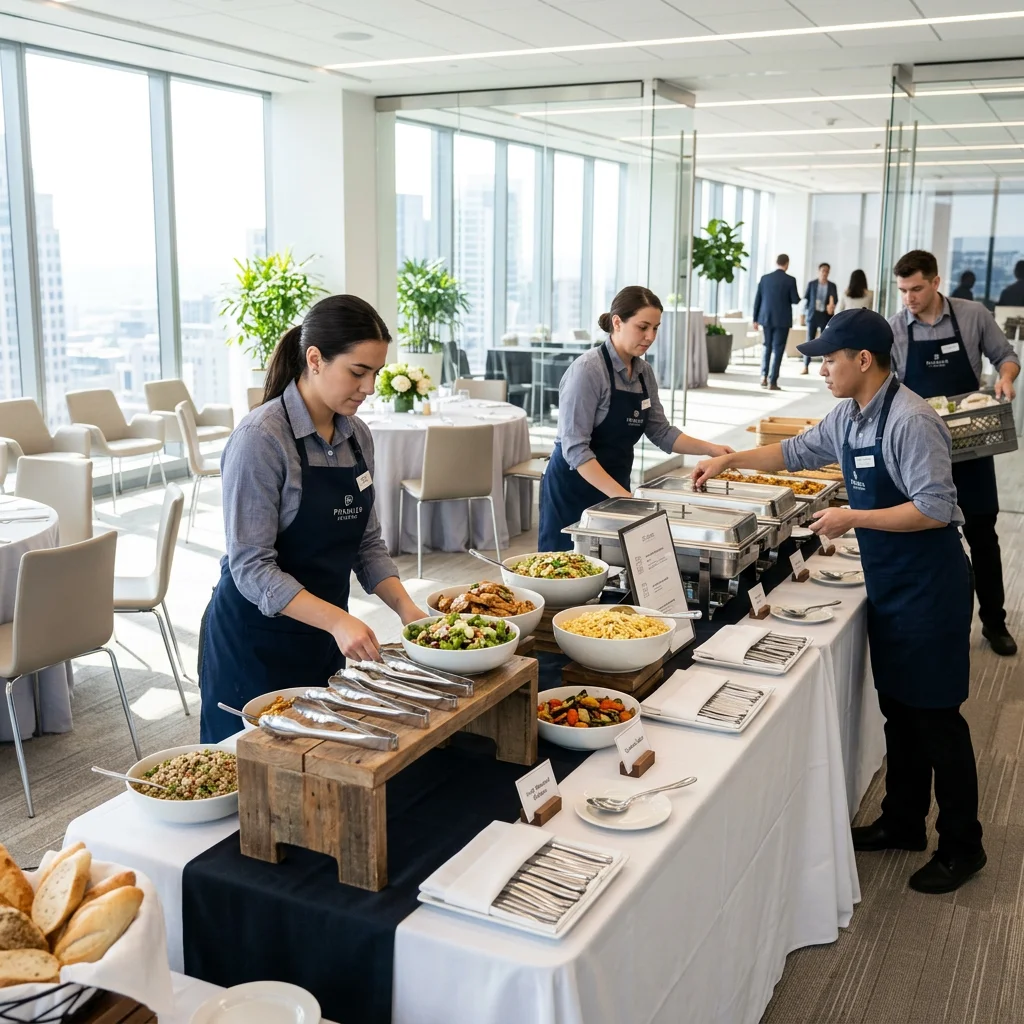
A fixed internal routine on the event day helps the kitchen and delivery team avoid improvisation, whether for an office lunch buffet or school meals.
- Packing list: Quantities by variant, extras and allergens taken directly from the order
- Buffer: Allow extra time in each slot for the kitchen and drivers
- Contact: On-site contact and telephone number in the order overview
- Handover: Document delivery and handover status to help with any later complaints
- Returns: Plan for empty containers, warming boxes and crockery where relevant
Limitations: quotes and invoices are handled outside the ordering website
The ordering website currently has no dedicated quoting or invoicing function for catering orders.
This need not be an obstacle if you clearly divide the work. The order arrives through the website in a structured form, while quotes and invoices are still created in your accounting software or POS. Decide internally which order size requires a written quote, who confirms it and who handles billing.
Conclusion: handle catering orders pragmatically through your own ordering website
Digital catering orders become worthwhile when scheduling, minimum quantities, delivery zones and clear payment processes work together and you need fewer follow-up questions. A separate catering category in an existing ordering website requires the least effort.
Even a catering order worth several hundred euros carries no GastroSprint commission; you pay the fixed monthly price of your plan. If the customer pays online, your Mollie account fees also apply. We can show you which of your catering processes can be supported in a free demo. For details of what the ordering website can do, see the page about an own ordering website for your restaurant.
FAQ
How do I set up catering preorders with scheduling?
Create a separate catering category and keep your opening hours up to date, as guests choose an available time when preordering. Clearly state how many days’ notice you require in each package description. Test the complete ordering process before launch, from basket to confirmation.
Can I set minimum order values and delivery fees for each delivery zone?
Yes. Define delivery zones by radius or draw them freely on the map, then set the minimum order value, delivery fee and delivery time for each zone. You can exclude individual postcodes. Then use a sample address in each zone to test whether the ordering website behaves as expected.
How does online catering work if customers want to pay by invoice?
The order arrives through the website as usual. The payment methods shown at checkout depend on the system. Clarify in advance how business customers can order without immediate payment. Offer invoicing only to approved customers, then create the invoice in your accounting software.
How do I organise group orders for events, business lunches or school meals?
Use packages, variants and fixed menu sets. A group order is processed as a single order with one time, one address and one contact person. For recurring orders, customer accounts with a login can help if your system supports them, or a standard package the customer selects again each week.
Which integrations and data protection rules matter for catering?
Connections to the POS and accounting systems matter most to avoid entering everything twice. For data protection, you need clear information, encrypted transmission, data processing agreements and valid consent if you use data for advertising. Schools and nurseries examine these points particularly closely.
Sources and product basis
- GastroSprint featuresConfirms preorders, delivery zones, variants, online payments and WinOrder.Retrieved on