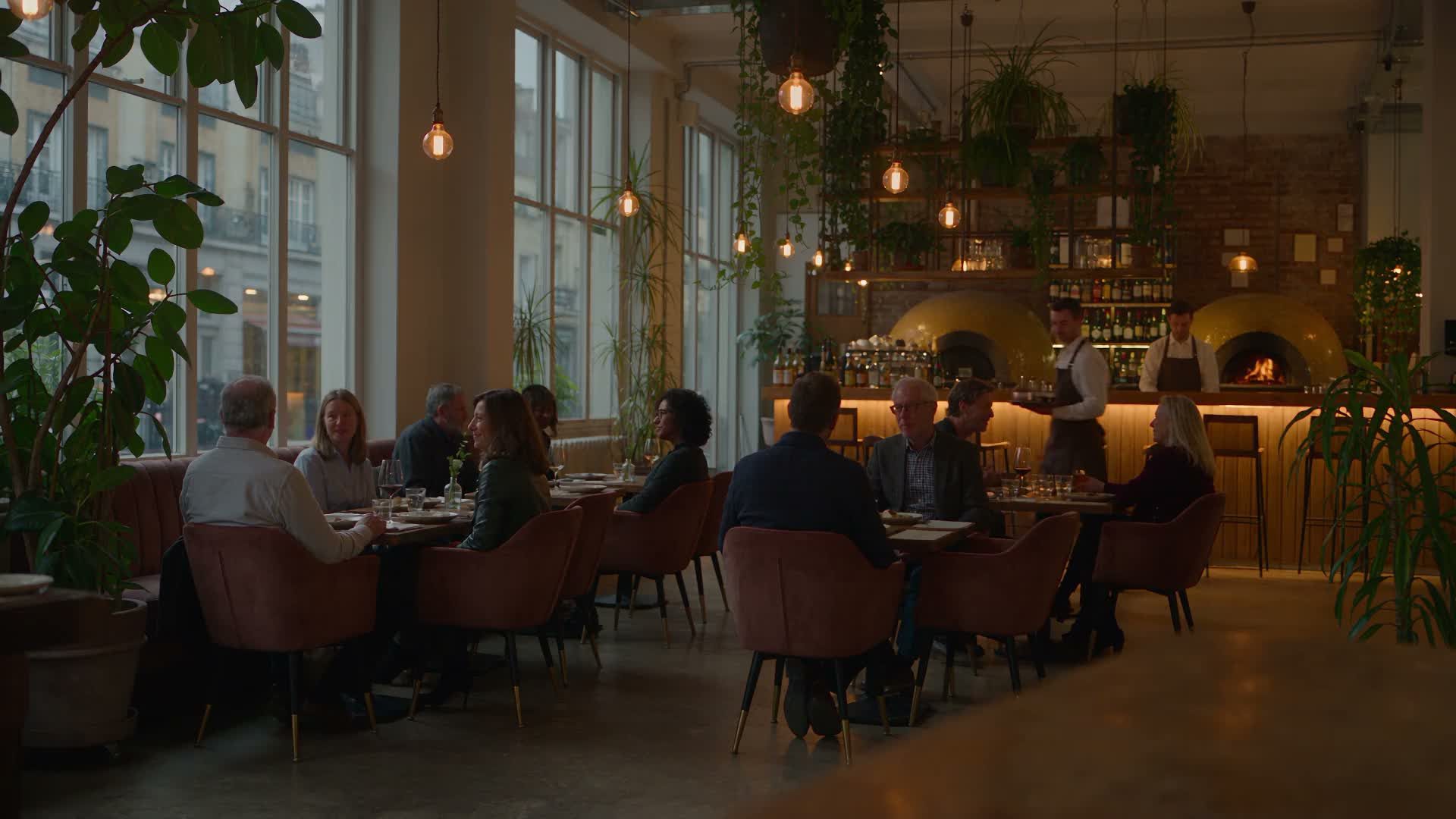
Online ordering system for restaurants: from the click to the kitchen
A guest taps “Order” on your website; a little over half an hour later, their food is packed on the kitchen pass. In between, an online ordering system handles a series of steps the guest never sees. It checks the address, adds extras to the price, processes payment and sends the order to the kitchen.
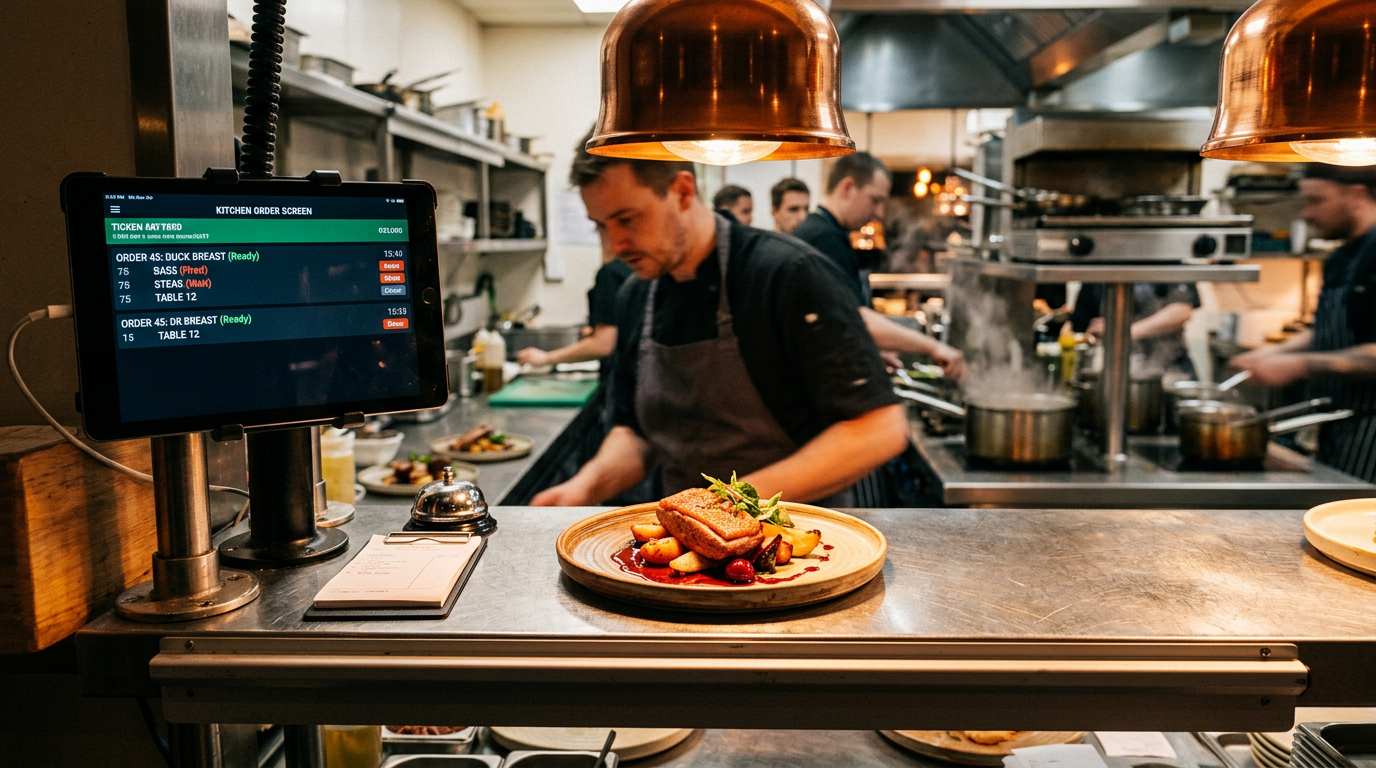
This guide follows that journey using GastroSprint as a continuous example. The provider gives restaurants their own ordering channel with a shop and dashboard and charges no commission of its own on orders.
Online ordering systems: terms, channels and benefits for restaurants
In hospitality, the term covers any online option that lets guests order themselves without calling, whether through the shop on your website, an app or a terminal. What matters is that orders from your own channels come together in one place.
Your own system does not automatically replace platforms. You can keep using Lieferando, Wolt or Uber Eats and gradually bring regulars into your own channel. You continue to receive platform orders as usual.
A digital ordering system in daily use: shop, website, app and terminal
The ordering shop on your website does most of the work. Whether a guest orders or abandons depends on clear categories, fast loading and an understandable choice of sizes and extras. Ideally, the shop opens immediately without guests having to download anything first.
Guests should find it through a homepage button, an “Order” menu item, a link on every page showing your menu or opening hours, and your Google Business Profile.
The more guests return regularly, the more worthwhile your own restaurant app becomes. Growth and Complete include an iPhone and Android app that stays in sync with the shop. A counter ordering terminal can ease takeaway service; GastroSprint focuses on shop and app orders placed from home or on the go.
Direct orders instead of delivery platforms: costs, guest data and your own rules
Delivery platforms provide reach, but charge commission on every order they arrange, including orders from regulars. Uber Eats' German pricing page lists a 14% fee for self-delivery and 30% for delivery by Uber. Lieferando and Wolt do not publish a percentage on their partner pages, but also charge per order. An “Order directly from us” message on flyers, packaging and social media guides guests to your shop. Your own channel gives you more than fee savings:
- Guest data: Contact details come from your own ordering shop rather than the platform.
- Your own rules: You decide what is on the menu, which promotions run and the minimum value for delivery, without platform requirements.
- Guest experience: Guests order under your name without competitors appearing alongside you.
Placing an order online: the guest's journey through the shop
The journey should be short and clear, on a smartphone just as on a laptop. Every unnecessary step increases the risk that the guest abandons and reopens a platform app. An order has three stages:
- Start: The guest chooses the order type, and the shop checks a delivery address against your zones. Outside opening hours, guests can place advance orders.
- Shopping cart: Dishes enter the basket with the selected size and extras; the system calculates surcharges and the subtotal.
- Checkout: The guest checks delivery charges and the final total, selects a payment method, enters contact details and submits the order.
Delivery or collection: delivery zones, excluded postcodes and minimum order value
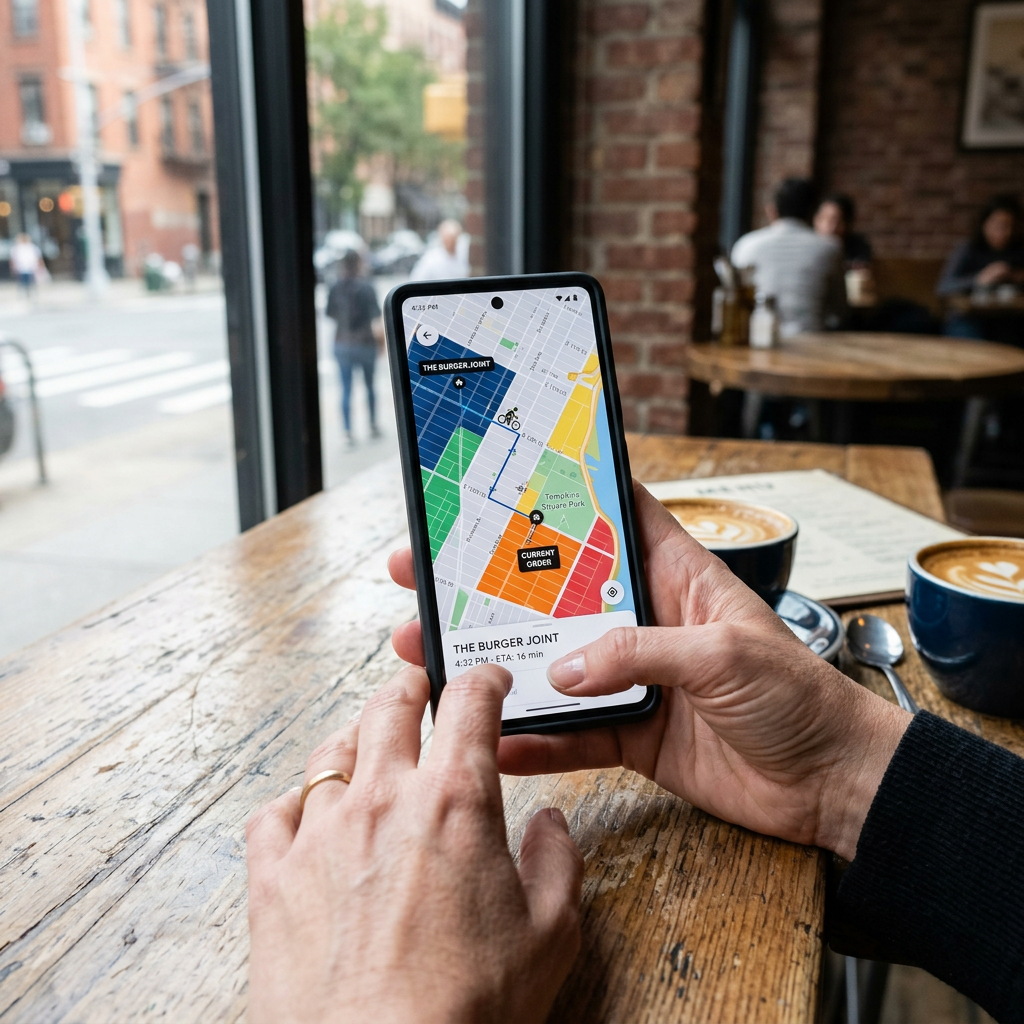
Before taking your first delivery order, decide where your team can reliably deliver. Create a zone in the dashboard as a radius around the restaurant or a freely drawn area. Each zone has its own settings:
- Delivery fee: the amount the guest pays for the journey
- Minimum order value: the basket value above which you deliver to the zone
- Delivery time: a minimum-to-maximum range in minutes
If several radii overlap, the smallest matching one applies. This lets you charge less nearby than on the outskirts. The shop rejects addresses with excluded postcodes. That helps, for example, with a neighbourhood across a river that is within the radius but difficult to reach.
Guests can still collect. You set when the order will be ready when accepting it, perhaps 15 minutes for two pizzas on a Tuesday lunchtime.
Your restaurant menu in the shop: adding sizes, extras and allergens to dishes
Instead of creating a separate product for every pizza size, use variants and extras. A variant such as “Small, 26 cm” has its own total price; an extra such as additional cheese carries a surcharge. Group extras and make them mandatory selections where needed, such as the sauce for a bowl. Since late September 2026, several items can also be bundled into a meal deal.
Maintain allergens and additives directly on each dish, and put labels such as “spicy” or “vegan” in the short description. This reduces questions at the pass and incorrectly prepared dishes. Changes go live only when you publish the draft in the dashboard.
Voucher management and loyalty programmes: discounts, voucher cards and points
Vouchers can provide a fixed value or percentage discount. Set validity, minimum order value and restrictions such as collection or delivery to suit the campaign.
Set up a promotional week's discount days in advance. It can apply to a dish, a combination or a whole category and runs for the exact period entered. Every plan starts with 1,000 voucher cards customised for your restaurant, linking to the shop through a QR code. Before printing, agree the value, validity and redemption rules with the provider.
Your restaurant app rewards regulars with points per order. You configure the rewards yourself. The loyalty programme and push notifications to consenting guests are included in Growth and Complete.
From checkout to dashboard: how the order reaches the kitchen
Once the guest submits, the order appears as “New” in the dashboard with dishes, extras, order type, requested time, address and notes. Your restaurant receives an email and the guest receives an acknowledgement. The complete journey from menu to repeat order is explained by How it works in four steps.
GastroSprint order status: New → Accepted → In preparation → Ready → Completed
The status sequence shows everyone on the team where an order stands. This prevents new orders being missed and finished orders being packed twice.
- New: received, awaiting your decision
- Assumed: confirmed, preparation time set
- In preparation: the kitchen or team is working on it
- Done: packed and ready for collection or delivery
- Completed: handed over, with no further action needed from the team
“Scheduled” applies to advance orders, alongside “Rejected” and “Cancelled”. For deliveries, “Ready” marks the end of cooking and packing; “Completed” follows handover. Decide who maintains statuses on each shift.
Accept with a preparation time or reject: an estimated 2–4 minutes, with a message to the guest
GastroSprint estimates that accepting a new order takes an average of 2 to 4 minutes. This figure has not been measured; it serves as an operational guideline.
When accepting, choose a preparation time in fixed steps from 15 to 60 minutes; the default is 30. For delivery, include packing and travel. The guest receives acceptance by email.
If a dish is sold out or a driver is unavailable, enter a factual reason and reject the order, for example “Unfortunately, Pizza Funghi is sold out today.” The guest receives the rejection and reason by email. After acceptance, the action is called “Cancel”, also with a reason.
Kitchen screens with Kitchen Basic or printed tickets through the Print App (Mac and Windows)
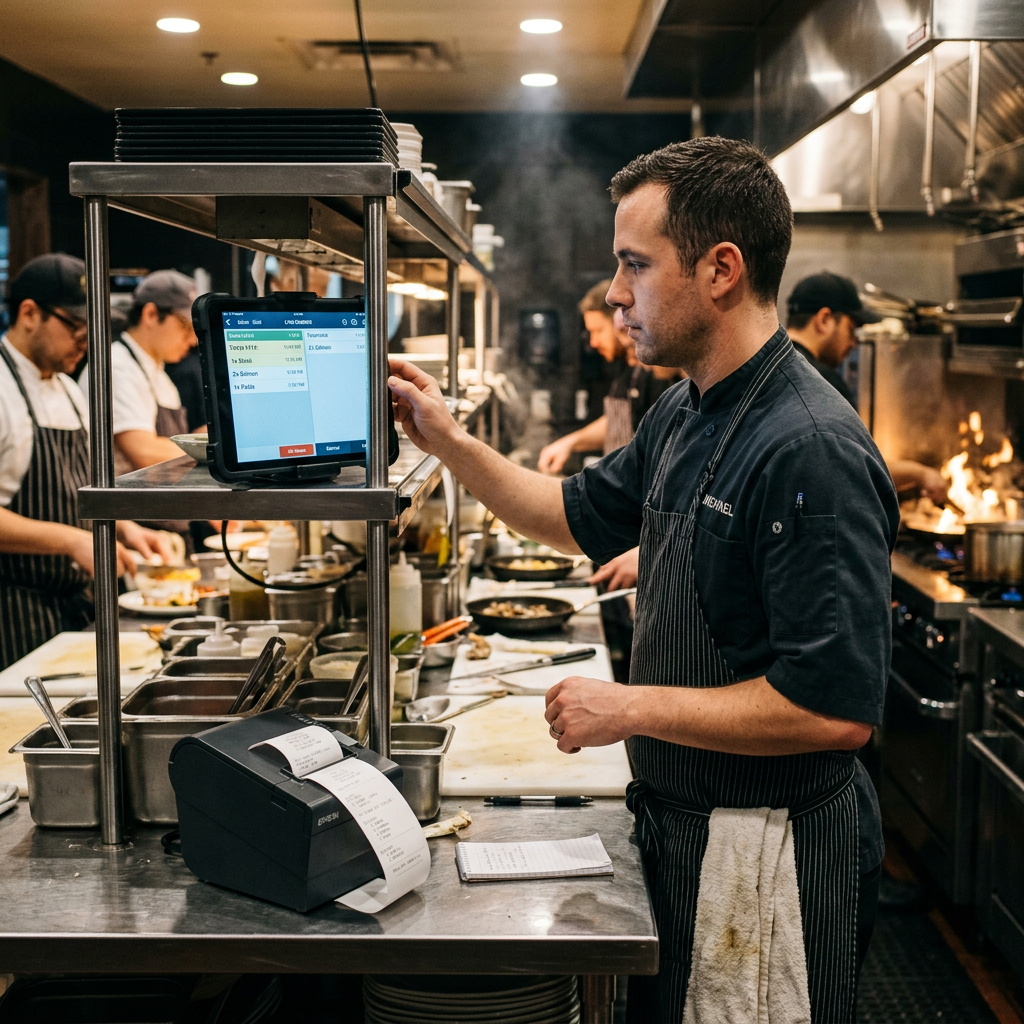
Kitchen Basic is an optional add-on that displays the kitchen view on one or more screens. The team sees what is happening at individual stations and during packing. The add-on costs €49 net per month for up to 3 screens or €69 net per month for up to 10.
If you use paper, install the Print App on a Mac or Windows computer. It connects existing printers to the restaurant account and automatically prints new orders as kitchen tickets, even when the dashboard is closed. A two-person takeaway often works well with tickets, while a kitchen with several stations can more easily keep track on screen.
What happens behind the scenes: payments, POS and data protection
For the guest, ordering is finished after payment. In the online ordering system, three processes continue out of sight.
Payment processing through Mollie Connect: money flow, fees and refunds
Mollie Connect handles the technical processing of online payments here. Connect your own merchant account with the payment provider to your restaurant account, allowing guests to pay by credit card or PayPal. You receive the payments yourself; the shop provider does not hold funds. Depending on the setup, cash payment is also possible for collection.
Mollie charges a fee for each payment, determined by your merchant agreement. It is additional to your plan and is not an order commission. Refunds can be initiated through the integration. Still, verify separately whether the money was actually returned to the guest.
POS integration and API interface: what is possible with WinOrder
While shop and till operate separately, someone on the team enters each online order a second time. POS integration removes that step. Restaurants using WinOrder have been able to connect their shop since 19 September 2026. Connections to other POS systems are planned.
An API interface lets programs from different software providers exchange data directly, for example with accounting software. For order data, GastroSprint's WinOrder connection currently fulfils that role. If you want to connect other programs such as inventory management, clarify what is technically possible with the shop provider and the respective software provider beforehand.
GDPR compliance: responsibility, data processing, consent and deletion
Every order involves personal data such as name, address, phone number and order contents. Your restaurant is responsible for data protection, while the provider processes data on your behalf. A data processing agreement under Article 28 GDPR provides the basis.
In practice, GDPR compliance means collecting only necessary data, restricting team access and giving guests clear information in the privacy notice. Marketing emails generally require consent. Accounting records are subject to retention periods; other data is deleted once its purpose has been fulfilled. Guests' access requests generally must be answered within one month.
Conclusion: what an order's journey teaches you
An online ordering system consists of many small settings that work together. Delivery zones, variants, payments, preparation times and kitchen output collectively determine whether a busy Friday evening runs smoothly. Configure them carefully and test addresses to gradually build a channel without platform commission. When choosing, take a practical look at what restaurant ordering solutions actually provide for POS integration and data protection.
To help with implementation in your own business, there is a Checklist for introducing online orderingthat you can work through point by point. Order acceptance, status changes and ticket printing are easiest to see live, for example in a free demo.
FAQ
How quickly do new orders appear in the dashboard?
The order appears as “New” in the order list immediately after submission, while a notification is sent to your restaurant. Emails can be delayed or land in spam, so a designated person should monitor the dashboard during ordering hours.
Which payment methods are supported, and how does Mollie Connect payment processing work?
Guests pay online by credit card or PayPal. Money flows through your own connected merchant account, and fees are governed by your agreement with the payment provider. If money needs returning, initiate the refund through the same integration.
How are delivery zones and excluded zip codes set up?
Under “Delivery zones” in the dashboard, choose each zone's shape: a circle around your restaurant or a boundary you draw yourself. Block individual postcodes you do not want to serve. After publishing, test an address inside and outside the area.
How do orders reach the kitchen: on a screen or as a ticket?
With the Kitchen Basic add-on, orders appear on one or more kitchen screens. If you prefer paper, the Print App automatically prints each new order as a ticket.
Where is customer data stored, and is this GDPR-compliant?
GastroSprint processes order data as a technical platform on behalf of your restaurant, governed by a data processing agreement. The provider's privacy notice identifies service providers involved and possible processing outside the EU. Your business's overall GDPR compliance also depends on access permissions, consent and deletion periods.
Sources and product basis
- GastroSprint online ordering systemProduct overview of your own online ordering website and the order processes.Retrieved on