
Become a Lieferando partner: Process, costs and what restaurants should know
Restaurant owners who want to become Lieferando partners usually hope for additional orders and guests who do not yet know their business. Against that stand the commission deducted from every platform order and concerns about losing control of processes and customer relationships.
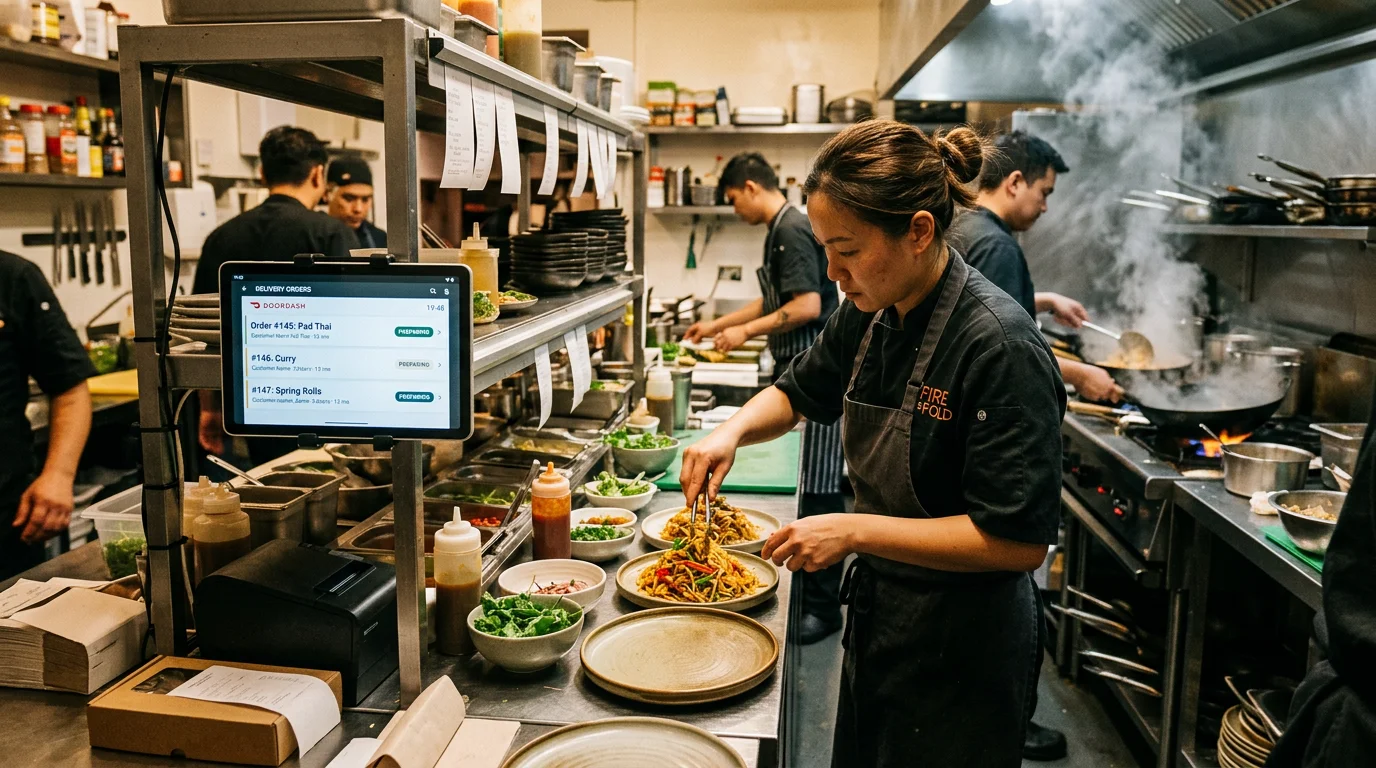
The platform can bring you new customers. However, it often becomes economically attractive only when subsequent orders move to your own channel. Relying solely on the platform leaves you dependent on visibility, rankings and reviews.
This guide takes you from registration to everyday operation and explains what matters in contracts, technology, payouts and costs.
Become a Lieferando partner: registration and onboarding at a glance
Treat launch as a small project. Check the documents, prepare your information, structure your menu and assign responsibilities within your team.
The more carefully you plan, the sooner operations will run smoothly. Menu errors, missed orders and long delivery times cost revenue, especially during the first weeks. They also quickly appear in the reviews that new guests see first.
Register as a Lieferando partner: requirements and documents for restaurants, takeaways and delivery services
A registered business is the basis for registration, whether you operate a dine-in restaurant, a neighbourhood pizzeria or a delivery-only business. To register your restaurant with Lieferando, complete the partner form on the Lieferando website . Complete information helps avoid follow-up questions during checks and activation.
Plan your delivery area realistically. Too large a radius increases delivery times, and lukewarm food costs you review stars before word about your offer has spread.
Prepare the following documents and information:
- Business registration, plus a commercial register extract for registered companies
- Tax number or VAT identification number
- Bank details for payouts
- Contact details: email and telephone
- Opening, kitchen and delivery hours
- Delivery zones with minimum order values and, where applicable, delivery fees
- Menu with prices, variants, extras and allergen information
Partner onboarding: account, activation, menu and test run, including for ghost kitchens
Partner onboarding starts after registration. How quickly it progresses depends primarily on properly prepared documents and prompt responses to follow-up questions.
Your ghost kitchen, meaning a kitchen without a dining room, can generally also join. If you operate several brands from one kitchen, keep menus and hours clearly separated by brand to avoid confusion in the kitchen.
You will typically go through these steps:
- Checks of your information and documents
- Creation and activation of the partner account
- Menu setup with categories, items, options and images where applicable
- A test run covering incoming orders, kitchen tickets and handover
- Launch on Lieferando, ideally on a quiet weekday rather than just before the weekend
Login, Partner Hub and support: your everyday tools
After activation, you manage your business through Lieferando’s partner portal, called the Partner Hub. Lieferando sends your initial login details in a welcome email. You then sign in through the Lieferando partner login with your username and password. If you operate several businesses, each has separate login details. Four areas are particularly important:
- Administration: Maintain your menu, prices and opening hours in the Partner Hub. You can also mark dishes as sold out and find reports, customer reviews and invoices there.
- Orders: Depending on your setup, you accept orders on a device in the restaurant or in a browser and update their status.
- Mobile: Check whether the Lieferando Partner Hub app suits your needs, for example to temporarily disable a dish while away from the restaurant. In the App Store it is called “Just Eat Takeaway Partner Hub”, after the group behind Lieferando.
- Support: During onboarding, ask how to get help in an emergency, whether through the Lieferando partner hotline or another contact channel. Keep the contact details readily available: you will usually need them when a device fails on a Saturday evening.
Contracts, costs, technology and everyday operation
Once the first orders arrive, you will see how well contracts, technology and billing work together in practice. The platform’s benefits often become apparent quickly, while potential disadvantages may only show up in the monthly statement.
For many owner-operated restaurants, margins are decisive. The key question is what remains after food costs, staffing, fixed costs and platform deductions, and when it becomes worthwhile to gently introduce regular guests to your own ordering channel.
Contract term, cancellation and exclusivity: terms and obligations
Read the terms and conditions and your partner offer carefully before signing. They determine how flexible you will be later. According to its partner page, you can cancel with Lieferando at any time. Your partner contract specifies the cancellation method and notice period.
Also review the privacy policy. Customer data and direct contact with guests largely remain with Lieferando. An order through the platform does not itself give you permission to send the guest newsletters or marketing texts. Building your own regular customer base through the platform is therefore difficult.
These contract points are particularly important:
- Contract duration, renewal and notice periods
- Rules for cancellations, complaints and liability
- Obligations concerning opening hours, response times, quality and availability
- Exclusivity: whether you can use other platforms and promote your own ordering website
- Pricing and whether platform prices may differ from direct-sale prices
Costs and commission: What does Lieferando cost, and what margin remains?
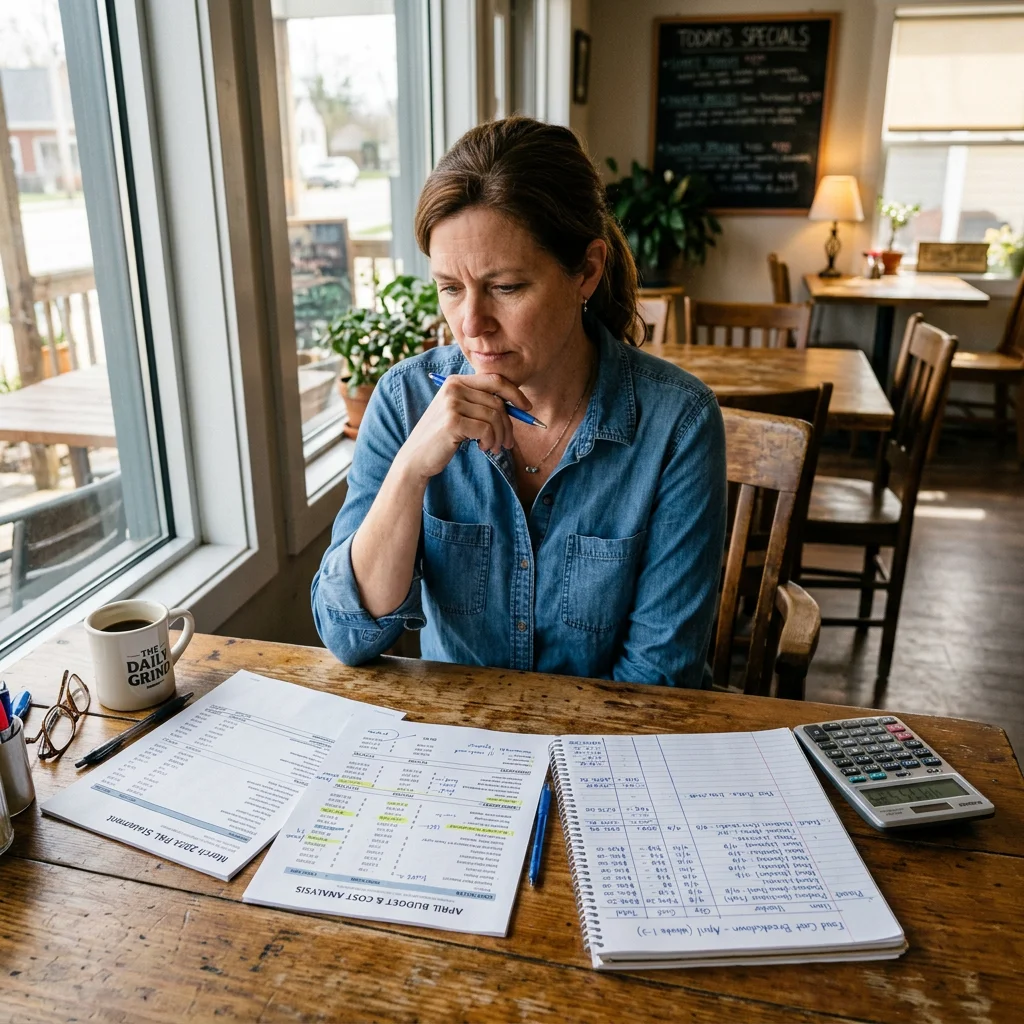
There is no universally applicable figure for Lieferando costs, as the platform currently publishes no commission rate. Its partner page only states that there is no registration fee and that billing is commission-based. Your partner offer specifies your Lieferando commission, which depends in part on the delivery model.
There is nevertheless a historical reference point. In its own factsheet from March 2023 , Lieferando stated 14% commission for own delivery and 30% when the platform also handles delivery. That older document does not establish today’s rates.
Your margin depends on how much commission takes from each order. Take a typical Lieferando order and calculate it fully:
- Food costs and packaging
- Kitchen and service staff, plus drivers if you handle delivery yourself
- Allocated fixed costs such as rent and energy
- Commission and fees under the contract
- Finally, the contribution margin remaining per order
An example shows how sensitive this calculation is. On a €30 order, each percentage point of commission costs €0.30. A five-percentage-point difference between two models amounts to €1.50 per order, or €600 across 400 platform orders per month.
If the contribution margin is too small, limit your platform menu to well-costed dishes, check whether your contract allows different platform prices, and plan order volumes realistically. A more detailed breakdown of commission and additional costs is available in the guide to Lieferando costs for restaurants.
POS integration and billing: equipment, payment cycles and documents
Whether peak periods remain manageable depends heavily on technology. If every platform order has to be manually entered into the POS, duplicate entries and mistakes can quickly arise on a Friday evening.
Billing is equally important. Payout frequency and deductions are governed by the contract. Have both explained beforehand so you can plan your cash flow reliably.
Answer these questions before your first order arrives:
- Do orders arrive through a tablet, printer or directly in your POS?
- Who confirms orders, and who coordinates the kitchen?
- How often are payouts made?
- Which deductions appear on the statement: commission, fees or adjustments?
- How do you export statements and supporting documents for accounting?
After three months, a monthly overview of platform revenue, deductions and order volume will show what share of revenue actually reaches you and whether the platform is worthwhile for your business.
Conclusion: Reach new guests through Lieferando and retain regulars through your own ordering channel
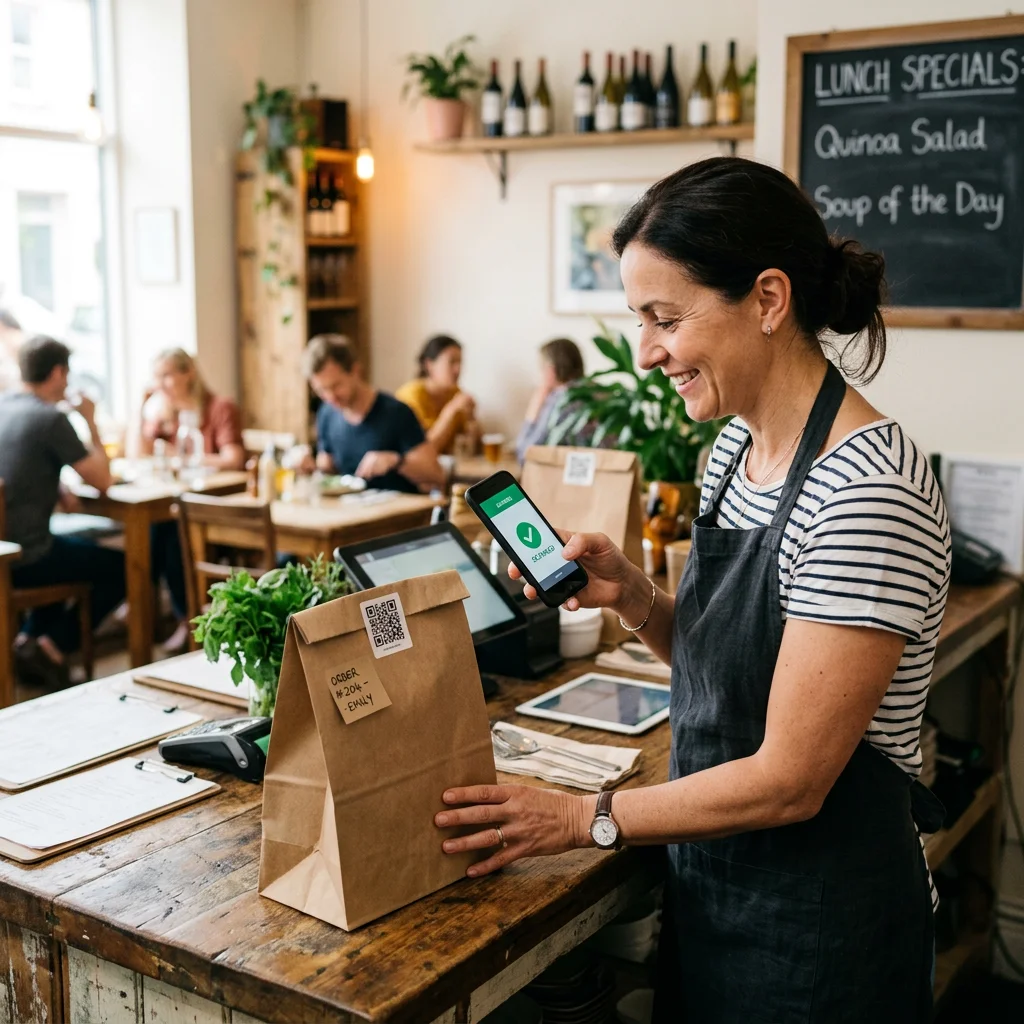
A Lieferando partnership is particularly worthwhile if you use the platform deliberately for reach and keep profitability in view. Many Lieferando restaurants therefore divide the roles: they gain new guests through the platform, while returning customers order through the restaurant’s website, its own ordering website or a QR code on the packaging.
If you are joining Lieferando and planning your direct channel from the start, GastroSprint is one option. You receive an ordering website for delivery and collection, pay 0% GastroSprint ordering commission and can start with Direkt from €64 net per month on a one-month contract. Mollie payment processing fees are charged separately. The ordering website operates independently of Lieferando, and direct orders are delivered by your own drivers or collected by guests.
A non-binding estimate shows the order volume at which the plan pays for itself. It assumes an average order value of €32 and 14% commission. That is the own-delivery rate from the 2023 factsheet; your actual rate may differ. It would mean €4.48 per platform order. From around 15 direct orders per month, GastroSprint Direkt, starting at €64 net, is therefore cheaper than the commission on the same platform orders. At 15 orders, that commission would already total €67.20. Payment fees are not included.
To help platform guests find your own ordering website, we have put together a 30-day plan for Lieferando customers . Costs and services for the platform and a direct ordering website are compared on the GastroSprint vs. Lieferando page.
If you want to know how much commission your platform orders cost and what your own ordering channel alongside your Lieferando account could look like, request a free demo. Together, we will review costs and potential savings.
FAQ
How do I register my restaurant with Lieferando, and how long does onboarding take?
Register online through the platform’s partner form and provide your business details, opening hours, delivery zones, menu and bank details. Submit evidence such as your business registration if requested.
Checks, activation, menu setup, your test run and launch follow. The time required depends on the checks and your preparation.
How does Lieferando work for restaurants day to day: order acceptance, delivery area and collection?
Orders arrive through a device in the restaurant, the Lieferando Partner Hub or a connected POS. You confirm them, prepare them and hand them to your own drivers or the platform’s couriers, depending on the model.
Set your delivery area in the Lieferando portal to maintain quality and delivery times. Collection options ease pressure on the kitchen because guests order in advance and simply pick up their food. A clear process between the POS and kitchen is needed to prevent delays under load.
How do I contact support as a Lieferando partner?
For technical problems or invoice questions, Lieferando directs partners to its support team through the help area, the Knowledge Centre. The contact link leads from there to the Partner Hub, so you first sign in with your credentials. We deliberately do not list a Lieferando partner phone number here, as contact channels can change. Rely on the details Lieferando shows after login.
If the ordering device is not working, Lieferando advises checking Wi-Fi and power first, confirming that your business is online and resetting the device if needed. Contact customer service if those steps do not help.
How do Lieferando payouts and billing work: payment cycles, deductions and documents?
Payouts follow the intervals specified in your contract. Statements show orders, Lieferando commission, possible fees and adjustments, such as those following complaints.
Export documents regularly and reconcile them with your POS and accounting records. This helps you spot whether deductions are plausible and how much platform costs affect your margin.
Must Lieferando partners be exclusive, and what are the contract and cancellation terms?
Whether exclusivity applies depends on your contract. Before signing, check the partner contract and terms to establish whether you may use other platforms and operate your own ordering website alongside Lieferando, and which promotional rules apply.
According to Lieferando, you can cancel at any time; your contract contains the details of duration and notice periods. If you plan to increase direct orders later, the contract should not stand in your way.
Is Lieferando worthwhile for restaurants, and when does an own ordering website make sense?
The platform is often worthwhile for reach and new guests, particularly if your offer is prominent there. It becomes problematic when commission and fees consume much of your margin or your revenue depends too heavily on platform visibility, rankings and reviews.
Once you have regular guests, there is a strong case for your own ordering website. You process their repeat orders without platform commission and shape the ordering experience yourself. Combining the platform for first orders with a direct channel for returning guests has proved effective.
Sources and product basis
- Lieferando partner registrationPartner registration, commission-based pricing without a registration fee, and cancellation information.Retrieved on
- Lieferando Partner HubOfficial access to the management portal for Lieferando partners.Retrieved on
- Lieferando factsheet, March 2023Historical commission figures: 14% for own delivery and 30% with Lieferando logistics.Retrieved on
- Lieferando Knowledge CentreOfficial partner help area and access to support.Retrieved on