Create a restaurant ordering website: options, process and costs
With your own restaurant ordering website, you accept orders directly instead of paying a delivery platform commission on every order. Guests who want to order from your restaurant visit your website, and you control prices, delivery areas and promotions.
There are three realistic options: build the shop yourself, rent a ready-made ordering system or hire an agency. This guide compares all three, then takes you from preparing the menu to placing the first test order and covers what matters in day-to-day operation.
Why your own restaurant ordering website quickly pays for itself
Lieferando, Wolt and Uber Eats all charge commission, but only Uber Eats publishes a specific rate. Its German merchant page lists 14% for collection and delivery by your own drivers. If an Uber courier handles delivery, the rate is 30%. On monthly platform revenue of €15,000, those rates cost €2,100 or €4,500 respectively.
There is also the customer relationship. In your own shop, regular guests do not see competing offers next to your menu, and you set discounts, minimum order values and delivery times yourself. This strengthens customer loyalty.
Example calculation: platform commission versus your own ordering shop
Suppose you generate €15,000 in monthly revenue through a platform charging 14% commission and move half of it to your own shop. That €7,500 incurs €1,050 in commission per month. After subtracting GastroSprint's Direkt plan, starting at €64 per month excluding VAT, up to €986 remains. Your payment provider's fees still need to be deducted.
With the Complete plan, including your own website and app (€149 per month excluding VAT), €901 would remain before payment fees. If the platform previously handled delivery for a 30% commission, the same revenue would incur €2,250. However, your own shop would then need to cover your driver and vehicle costs.
Comparing the three ways to create your own ordering website (time, costs, maintenance)
The figures in the table are rough guidelines.
| way | Time expenditure | One-off costs | Ongoing costs | Technical requirements | Maintenance |
|---|---|---|---|---|---|
| A) Build it yourself (website builder or shop software) | high (days to weeks) | low–medium | low–medium (+ extensions) | basic web skills, testing and legal texts | your responsibility (updates, errors, security) |
| B) Rent an ordering system | low (often 1–2 days) | usually low | fixed monthly price + payment fees | minimal (provide content, define rules) | at the provider |
| C) agency | medium–high (weeks to months) | high (often €2,000–5,000 or more) | hosting and maintenance, potentially a support retainer | coordination, budget and project management | agency, partly you |
Set up a website builder or shop system yourself: your own ordering system with considerable hands-on work
You can set up the ordering shop yourself with WordPress and WooCommerce, Wix or Shopify. You have plenty of design freedom, but you are also responsible for delivery rules, variants, checkout, updates, security and legal texts. Features that restaurants and delivery services need every day, such as postcode-based delivery areas or dish extras, often require extensions in general-purpose shop systems.
An update that silently breaks checkout often goes unnoticed until no orders arrive on Friday evening. Place a test order after every update.
Rent a ready-made online ordering system: GastroSprint example and comparison criteria
With a rental model, you use restaurant software and enter your menu, delivery and collection rules and payment methods. The provider handles operation, updates and security for a fixed monthly price. GastroSprint's key details are:
- Integration: Your existing restaurant website stays in place, with the ordering shop integrated into it. Guests order in their browser without installing anything.
- Direkt plan: the ordering shop starts at €64 per month excluding VAT, with no setup fee and monthly cancellation.
- Complete plan: your own website with domain connection and hosting, plus shop and app, for €149 per month excluding VAT, plus a one-off €499 setup fee and a three-month term.
- Commission: 0% GastroSprint order commission.
- Payments: For credit cards and PayPal, connect your own Mollie merchant account to the shop through Mollie Connect. Mollie bills its fees directly to you, separately from your plan.
- Start: Once the menu and logo are ready, the ordering shop is usually online within 24 hours. This timeframe does not apply to publishing the app.
The costs to include in your overall budget are explained in the Guide to the costs of an online ordering system. Detailed features and plans are available on the online ordering system product page.
Compare other rental systems using the same criteria: commission per order, contract term, setup costs, payment provider and POS integration.
A free demo lets you see in advance how the menu, delivery area and incoming orders work together in the dashboard.
Commission an agency: individual restaurant website with web shop and support
An agency designs the visuals, copy and page structure to suit your brand. This comes with significantly higher one-off costs and requires a clear brief. Ask whether the ordering function is custom-built or provided through a rented system, and who pays its recurring costs.
Also clarify maintenance, response times for outages and ownership of the website, text and images. The domain, content and accounts should be in your name; otherwise, you exchange dependence on a platform for dependence on an agency.
The process: step by step to a finished ordering shop
Whether you want a new restaurant website or an ordering system integrated into your existing site, the process is similar. Your menu, delivery rules, packaging, payments and communication should be ready before you publish the link.
Prepare your menu: range, extras and allergens
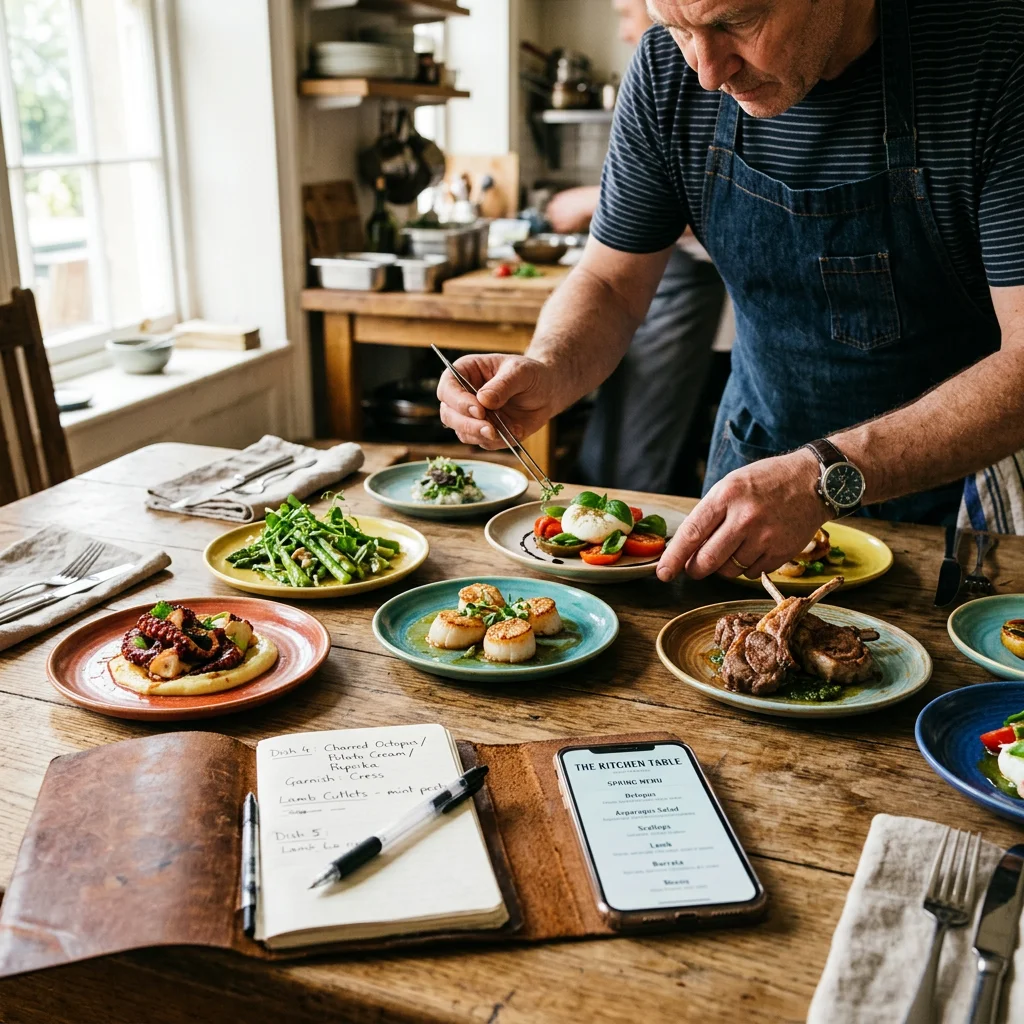
Each dish needs a category, price, variants and extras where relevant, plus information about allergens and additives that require disclosure. For distance sales, allergen information must be available before the purchase contract is concluded. Display it accessibly beside the dish or before the binding order is placed. The legal basis is Articles 14 and 44 of the EU Food Information Regulation.
Start with bestsellers and dishes that travel well rather than your entire menu. If a system imports your menu using AI, still check prices and allergens line by line.
Schedule delivery & pickup
Define your delivery area (radius, zones or postcodes), delivery times, minimum order value, delivery fee and collection slots. With your own shop, you provide the drivers yourself or arrange an external delivery service. Plan peak periods realistically and limit time slots rather than overloading the kitchen during the rush. Then place a test order to an address on the edge of your delivery area to check the zone and delivery fee.
Packaging & Sustainability
Calculate the cost of disposable or reusable packaging per order and display it transparently at checkout, for example as a packaging charge or reusable-container deposit. Providing cutlery only on request also saves costs and waste.
Under Section 60 of Germany's Packaging Implementation Act (VerpackDG) you must also offer food in reusable packaging if you sell it in single-use plastic food containers filled at your premises. The same applies to single-use drinks cups filled at your premises. The combination of product and reusable packaging must not be sold at a higher price or on less favourable terms than the single-use alternative. For deliveries, information about the reusable option must also appear in the ordering medium, such as the webshop.
For businesses with no more than five employees in total and a sales area of no more than 80 m², Section 61 VerpackDG provides an exemption: they can instead offer to fill reusable containers brought by customers. Part-time employees are weighted using the statutory factors; for delivery businesses, storage and dispatch areas count towards the sales area. This option must also be explained in the ordering medium.
Technology, legal requirements and visibility in daily operation
Whether guests find and trust your shop, and whether their orders reach the POS without retyping, depends on payment processing, POS integration, GDPR compliance and local visibility.
Payment processing: methods, security and fees
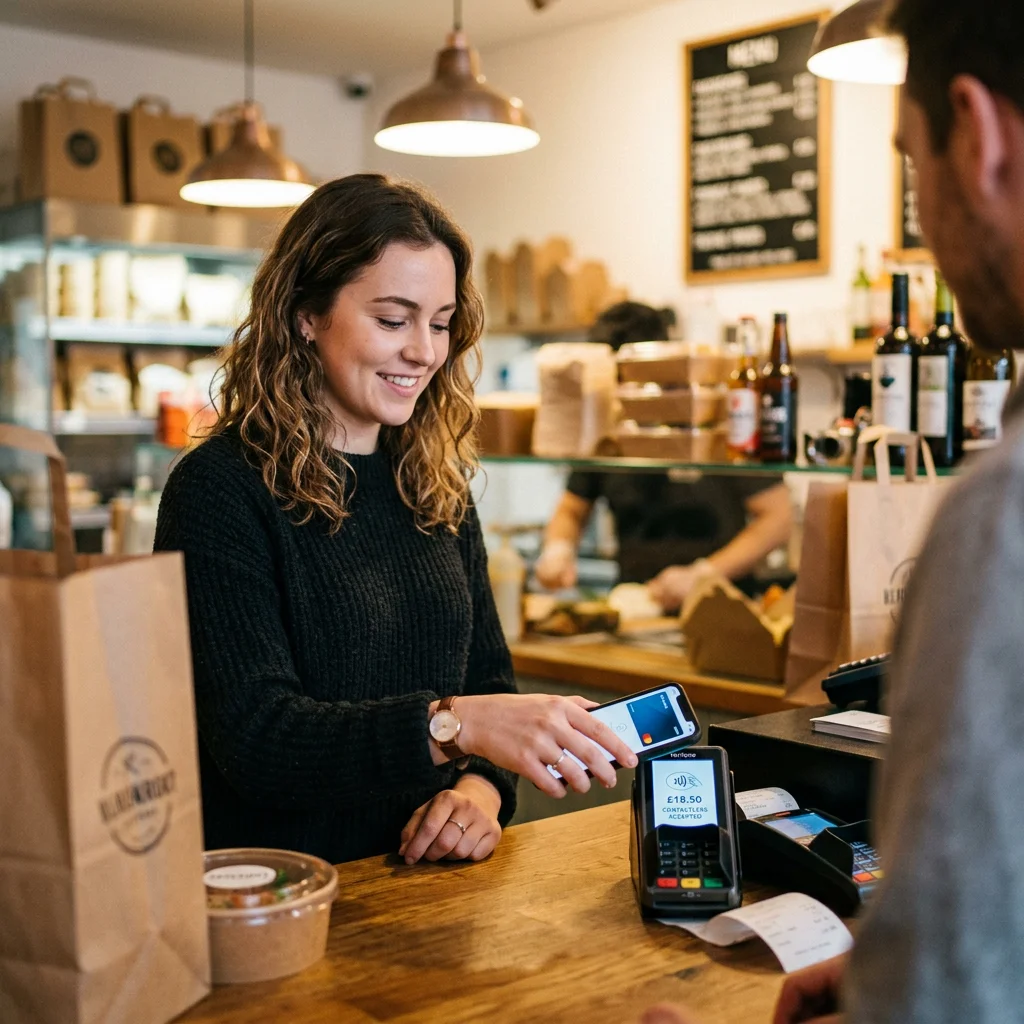
Offer common payment methods such as cards and PayPal, and Apple Pay or Google Pay where supported by your provider. EU law generally requires strong customer authentication (SCA) for online card payments, usually through 3-D Secure. Include fees per transaction in your calculations. Before launch and after any changes to payment processing, place an order on your phone using each payment method and cancel one of these orders to check that the refund works.
POS integration: interfaces, order status and reporting
The more online orders you receive, the more important POS integration becomes. It removes retyping, prevents errors and includes online revenue in your reports. Before signing a contract, ask exactly which POS systems are connected and how order status and tickets fit into your workflow.
GastroSprint's shop can already connect directly to WinOrder; integrations with other POS systems are planned. Your existing POS stays in use, with the ordering shop complementing it. During your test order, check that the ticket arrives, that you can move the order status through to “Completed”, and that the guest receives an email confirmation.
Data protection (GDPR): obligations in your own shop
You need a privacy notice and a data processing agreement under Article 28 GDPR with the shop provider and any other service provider processing customer data on your behalf. Payment providers, however, often act as independent controllers, as Mollie does for your guests' payment data. Each provider's role is set out in its contractual documents. Obtain consent before using tracking cookies and define retention and deletion periods for order data. A newsletter requires demonstrable consent, usually obtained through double opt-in.
This reduces the risk of legal challenges and builds trust with customers ordering directly from you for the first time.
Webshop SEO (product pages and local visibility)
Keep your Google Business Profile up to date, add the link to your ordering shop and use the same name, address and phone number as on your website and in business directories (NAP data). Clear categories, descriptive dish names and descriptions, fast loading and structured menu data help within the shop.
At launch, your regular guests in particular need to discover the new ordering channel, through QR codes on flyers and delivery bags, social media posts and a mention on the phone. To help you start, GastroSprint provides 1,000 voucher cards in every plan, free and personalised for your business. Their QR code leads straight to the ordering page.
For loyalty points and push notifications to regular guests, take a look at the guide to your own restaurant app.
Conclusion: Which path is right for your restaurant?
If you do not have an IT team and want to become less dependent on delivery platforms quickly, a rented ordering system is usually the best choice because it is ready to use quickly and keeps costs predictable.
- Build it yourself: worthwhile if you have time, an interest in technology and a willingness to handle maintenance.
- Rent: suitable if you want a quick start and predictable costs without an IT project.
- Agency: the right option when individual design is the priority and the budget allows it.
During a demo appointment, you can use your actual figures to calculate how many orders your own shop needs to cover its costs.
FAQ
How much does your own restaurant webshop cost per month?
With a DIY setup, fixed costs are low but the time commitment is high. Rental systems charge a fixed monthly price, starting at €64 excluding VAT in the example above, plus payment fees. Agencies charge substantial one-off fees followed by hosting and maintenance costs.
Which way is fastest to get orders immediately?
Usually a rented ordering system, as it is often online within one or two days. However, orders only arrive once your guests know about the shop. Plan QR codes and the link in your Google profile for day one.
Will I still pay fees in my own shop?
Direct orders eliminate platform commission, but payment provider fees remain. Calculate what is left per order after food costs, packaging and payment fees.
Do I need POS integration for the webshop?
Not necessarily at the start: a small number of orders can be handled manually. As volume grows, integration saves time, prevents errors and improves reporting.
Which GDPR points are mandatory?
These generally include a privacy notice, data processing agreements with your service providers, consent for tracking, encrypted HTTPS transmission, a deletion policy and demonstrable newsletter consent.
Sources and product basis
- EU Food Information RegulationAllergen information for distance sales and non-prepacked food.Retrieved on
- VerpackDG Section 60Reusable packaging options and information in the ordering medium.Retrieved on
- VerpackDG Section 61Exemptions for small businesses and calculation of employee numbers.Retrieved on
- GastroSprint prices and plansPlans, contract terms and additional payment provider fees.Retrieved on