Digital restaurant menus: QR codes, costs and choosing a provider
A digital menu helps determine how much you keep from each order and how quickly you respond to changes. When guests order through delivery platforms, you pay commission, the platform holds the customer relationship, and you maintain prices in two places.
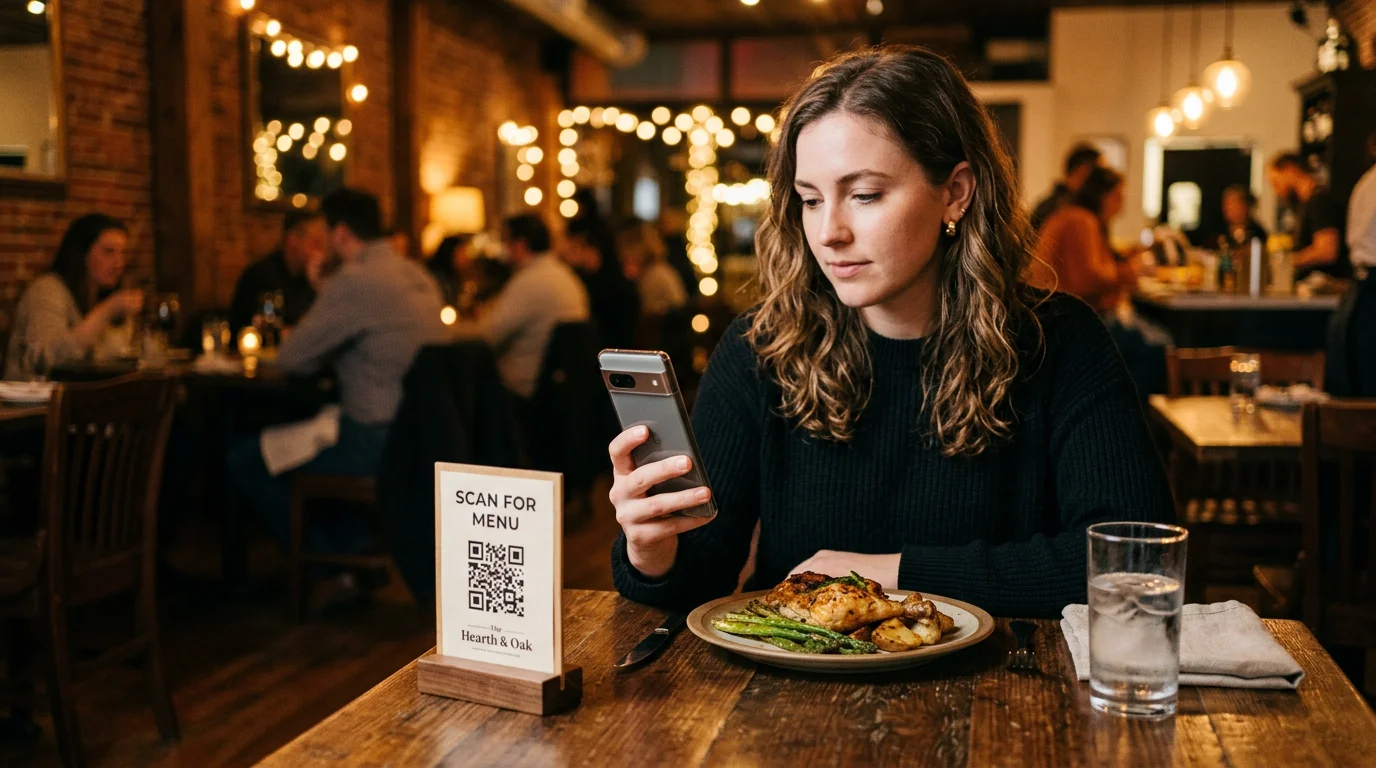
If guests can order from your own menu, it becomes a direct sales channel where you control prices, availability and extras.
It is therefore worth first distinguishing between reading and ordering. A read-only menu, such as an uploaded file or simple website, displays your offer but does not accept orders. Only an orderable menu in your own ordering website generates direct revenue.
Why the ordering journey matters more than the QR code
Many businesses begin by printing a QR code. It makes more sense to first follow the guest’s journey from scanning to submitting an order and identify where they might get stuck. This reveals whether you simply have a digitised paper menu or a channel through which guests actually order.
We would be happy to show you how to move your existing menu into an ordering website in a free demo .
Offer your menu digitally: four formats compared
The main differences are whether guests can order and how much work each change requires:
| Format | Ordering available | Maintenance effort | Suitable for |
|---|---|---|---|
| Linked PDF | No | High: every change requires a new file | A quick start or transition period |
| Mobile website | No, read-only | Low to medium, depending on the editor | Restaurants with table service |
| Browser-based ordering website | Yes, including basket and checkout | Low: change prices and availability in the dashboard | Takeaways, pizzerias and delivery businesses with substantial off-premise sales |
| Own app | Yes, plus loyalty points and push notifications | Low if it uses the same data as the ordering website | Businesses with many regular guests |
PDF menus: a restaurant staple without ordering functionality
The print file is often the starting point, as restaurants that have their menu designed already have it as a file. It is uploaded and linked to a code. This is quick and inexpensive, which explains its popularity. But its limitations soon become apparent:
- Mobile usability: Guests have to zoom and scroll sideways, and long menus become difficult to navigate.
- Manual maintenance: A menu with prices, daily dishes and seasonal offers changes continually. Every change means recreating and uploading the file and checking that the code points to the current version.
- No ordering functionality: A document has no basket, variants or checkout.
If you already use this approach and want to switch, find the process and checklist in the guide to digitising an existing menu. For building direct orders, a file is usually only a temporary solution.
Mobile website: easy to read on a phone
The next useful step is to create your menu online and publish it as a mobile page. Content adapts to the screen, categories are tappable and each dish is easy to find. This creates a modern menu rather than something that looks like a photograph of a paper sheet. Four points make the difference:
- Loading speed: Fast page loading, even with poor reception in the dining room
- Readability: Adequate font size, good contrast and clearly separated categories
- Maintenance: Changes without tinkering with the layout
- Expandability: A system that can later add ordering functionality without requiring you to enter your menu again
Ordering website or app: a digital menu with ordering functionality
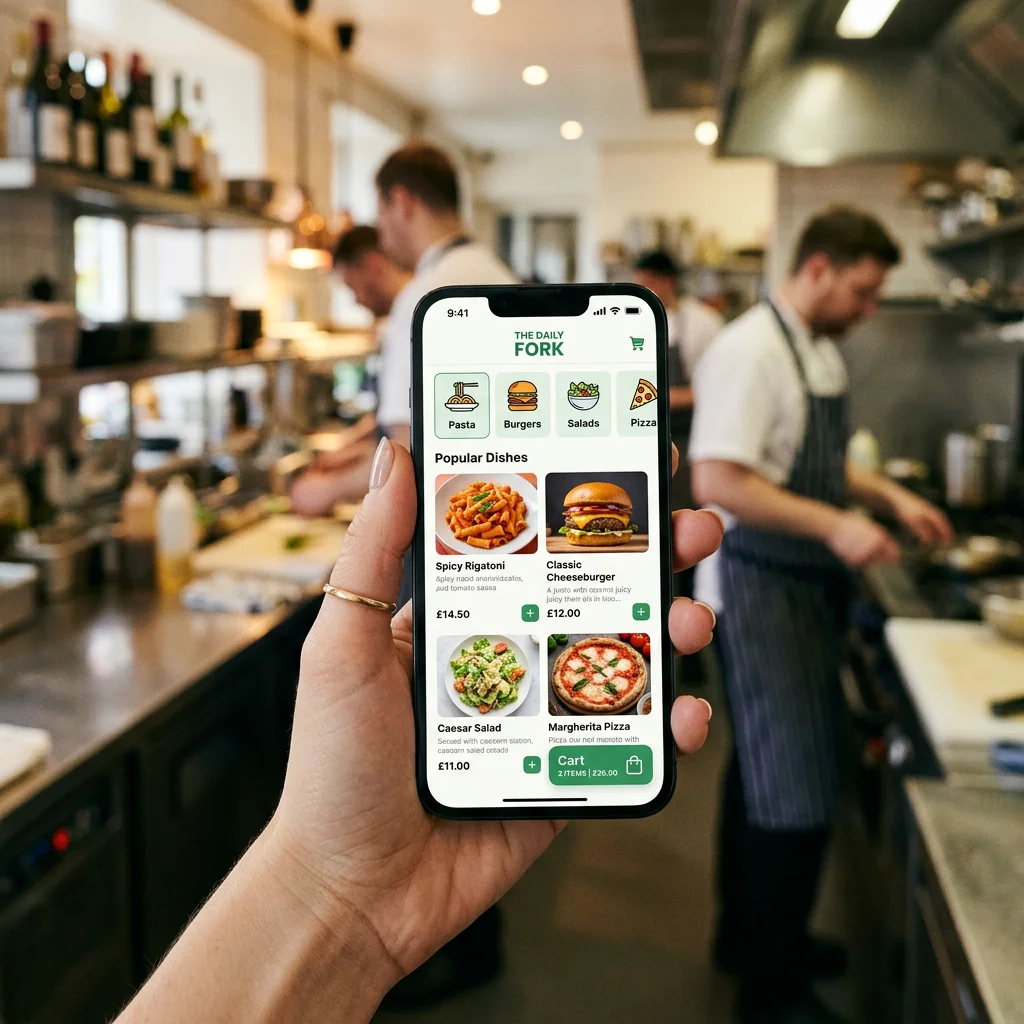
This is where the real business benefit begins, because the menu gains a basket. Guests choose dishes, variants and extras, select delivery or collection, and pay. This changes several things in your business:
- Less platform dependence: Orders placed through your own website carry no delivery-platform commission.
- Your own pricing rules: You set collection discounts, delivery fees and minimum order values yourself.
- Straightforward upselling: Extras, dips and drinks are offered alongside the relevant dish.
- Less work for your team: Service staff and the kitchen receive complete, structured orders without anyone taking notes over the phone.
An own app is particularly worthwhile for regular guests who order frequently and use loyalty points or push notifications. Many businesses can start with a browser-based ordering website that requires no installation. If you add a GastroSprint app later, you do not need to create a second menu. You maintain the app and ordering website centrally, keeping both up to date.
Maintaining a digital menu: prices, availability and allergens
A digital menu only helps if maintenance is quick. Otherwise, the online version is out of date within two weeks and the team is back to phone calls and shouted instructions.
Maintenance and price changes: AI menu import, drafts and approval
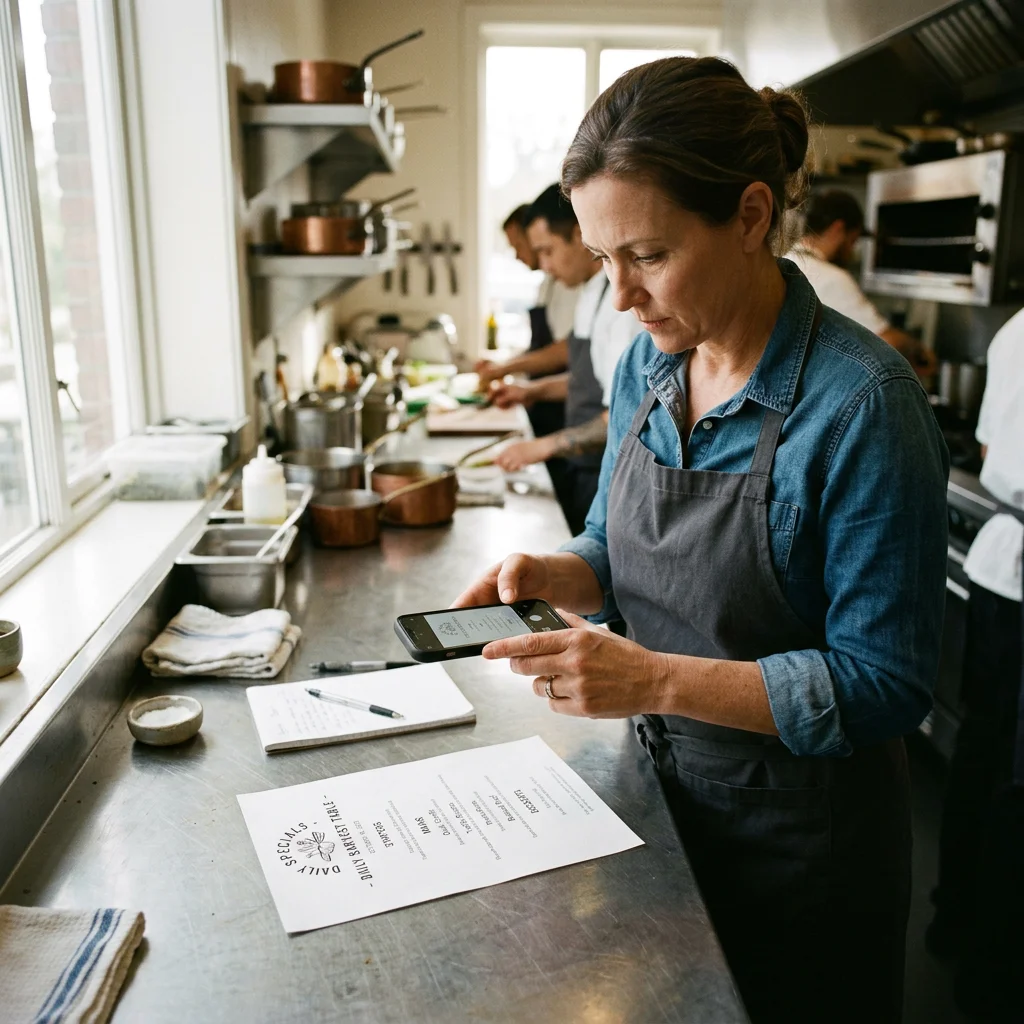
Getting started is often the biggest hurdle: few people want to manually type dozens of items, prices and extras. An AI import can create your new menu, leaving you to check the result.
With GastroSprint, a photo or PDF of your existing menu is enough. AI recognises categories, products, descriptions, prices and extras and creates a draft you can correct or extend before importing it. On average, a menu in the system contains 40 to 50 products, and import takes around 5 minutes. Three functions matter for ongoing maintenance:
- Draft version: Prepare changes without guests seeing them immediately.
- Approval: The new version goes live only after you confirm it.
- Quick price changes: Update a price without layout work or uploading a new file.
What AI recognises and how review works is explained on the page about AI menu import.
Managing dish availability: sold-out items, daily specials and delivery pauses
Availability reveals whether a digital system helps or creates extra work. Only items you can actually deliver or serve should be shown. This prevents callbacks, cancellations and stress for service staff. When choosing a provider, check which of these functions your chosen system actually supports. This list describes selection criteria, not a blanket promise of GastroSprint functionality:
- Can you hide a dish immediately when it sells out?
- Can lunch menus and daily specials be shown and hidden on a schedule?
- Can you pause delivery when the kitchen is overloaded?
- Can collection and delivery be controlled separately where needed?
Allergens and ingredient labelling: record and display additives correctly
Required allergen and additive information must also be available in a digital menu. For non-prepacked food, Section 4 LMIDV and Section 5 LMZDV explain the labelling rules. These cover the 14 main allergens under the EU Food Information to Consumers Regulation and additives requiring labels such as “with colouring” or “with preservative”. For online orders, required information must be available before the contract is concluded; for allergens, this is specifically addressed by Section 5(3) LMIDV.
Accurate information reduces the risk of complaints and builds trust. Guests with allergies prefer to order where the menu already answers their main questions. Pay attention to the following:
- Central maintenance for each dish and, where necessary, each variant
- A clear presentation using abbreviations, symbols or lists
- Consistent information in the read-only menu and ordering website
- Check whether the provider keeps a traceable log of changes, showing who changed what and when.
In GastroSprint, you maintain allergens and additives in the dashboard yourself. If they are explicitly listed in your source menu, the AI import can recognise them too. These details still deserve a second look before approval.
QR-code menus: costs and provider selection for restaurants
The QR code is the entrance to your menu and is almost free in itself. The costs lie in the system behind it: hosting, editor, ordering functionality, payment processing, POS integration, support and ongoing development.
Pricing models: free, subscription, one-off payment or transaction fee
You will encounter four models:
- Free: Providers offering free digital menus often limit them to read-only menus or earn money later through add-ons and per-order fees.
- Subscription, monthly or annual: Predictable and useful if you regularly change prices, promotions or seasonal offers
- One-off payment: Possible, but risky if updates, legal adaptations or new functions are missing
- Transaction fee: Can be fair, but becomes a problem when it approaches delivery-platform commission
Consider a simplified example of 200 orders per month averaging €34 net each, totalling €6,800 in net revenue. For this model calculation, we apply a 14% fee to that net base: €6,800 × 14% = €952 net per month. Uber Eats lists for Germany 14% for collection and standard self-delivery. For self-delivery to Uber One members, Uber lists 12%, with the merchant covering delivery costs. Your contract determines the applicable calculation base, taxes and other terms; this model does not represent a specific Uber statement.
By comparison, GastroSprint Direkt starts at €64 net per month with no GastroSprint ordering commission, plus payment fees. The difference is not a guaranteed saving: guests must actually move to your own channel, and payment, promotional and own-delivery costs belong in the full comparison.
Mobile display and ordering journey: from scan to order without detours
A QR-code menu will only be used if it works immediately. Every additional step between scanning and ordering costs completed orders. Before printing, check:
- Does the page open without an intermediate page or mandatory app?
- Does it load in under three seconds even on weak Wi-Fi?
- Can categories be navigated with one thumb?
- Are prices, variants and extras immediately clear?
- Can the menu be translated if many guests do not speak German?
- Is checkout short enough to avoid abandonment?
Place the code on tables, at the entrance and at the counter where collection customers wait, but avoid reflective surfaces that make scanning difficult. A short caption explains its purpose: “View menu” at a table or “Order for collection” at the entrance. With GastroSprint, the code opens your own ordering website for collection or delivery. Add the same link to your website and Google Business Profile so guests can also order from home.
Provider checklist: data protection, POS integration, structured data and accessibility
A fixed checklist is more useful than gut feeling when comparing providers. A good starting point is our restaurant online ordering launch checklist. For the menu itself, add these four checks:
- Data protection and GDPR compliance: Required data processing agreements, legal bases, technical safeguards, tracking and consent practices, and order-data retention periods. EU hosting alone does not establish GDPR compliance; third-country transfers must meet the applicable requirements.
- POS integration: Which POS systems are connected, whether prices and items are synchronised, and how orders reach the kitchen and bar
- Structured data through Schema.org menu markup: Dishes and prices are available as machine-readable data rather than only as an image. This helps search engines read the menu, but does not guarantee any particular ranking.
- Accessibility under WCAG for digital menus: Adequate contrast and font sizes, clear navigation, screen-reader usability and sufficiently large buttons, particularly for older guests
Conclusion: Which digital menu suits your business?
If you simply want to replace paper, a mobile read-only menu is much more convenient than a downloadable document. If you want to save commission and build your own channel, you need ordering functionality and a system that supports everyday maintenance, availability, allergens and POS integration. Three questions make the choice easier:
- Should the menu only inform guests or also sell?
- Can your team make changes within minutes?
- Is the mobile ordering experience good enough for guests to actually use it?
If you would like to see your existing menu become an ordering channel, book a free demo. We will walk through import, approval and availability using your own dishes and show you how an order arrives in the dashboard.
FAQ
What is the difference between a read-only digital menu and an orderable one?
A read-only menu displays dishes, prices and allergens, while orders are still placed with service staff or by phone. An orderable menu is also an ordering website, where guests choose dishes, add extras, pay and send the order directly to you. Only this version generates direct revenue and helps reduce delivery-platform commission.
What does a QR-code digital menu cost, and which pricing models are fair?
The QR code itself costs very little; the system behind it is what matters. Providers charge through subscriptions, one-off payments, add-ons or transaction fees. “Free” often means a read-only menu without the functions you will later need. A fair model publishes its prices openly and does not draw you back into commission-based pricing through per-order fees.
How quickly can I update prices, extras and individual dish availability?
In a good system, this takes only a few minutes. You change a price or hide sold-out items. Check with each provider whether daily specials can be scheduled and delivery pauses managed separately. A draft mode with approval helps publish several changes together and reduces mistakes under pressure.
How must allergens and additives be labelled in a digital menu?
Labelling requirements for your offer also apply digitally. The 14 main allergens under the EU food information rules and additives requiring disclosure must be stated correctly and clearly, before submission for online orders. Maintaining information centrally for each dish and, where needed, each variant keeps it consistent across views. Consult your local food control authority to establish whether your specific labelling is sufficient.
How important are data protection and POS integration when choosing a provider?
Very important. Once personal data is processed, you need a sound data protection approach or risk legal complaints and loss of trust. Without POS integration, every order is entered manually into the POS, which takes time and encourages mistakes. GastroSprint has a suitable integration for WinOrder. If you use another POS, ask about the current status during the demo.
Sources and product basis
- GastroSprint AI menu importImport functionality and menu maintenance.Retrieved on
- Uber Eats pricing in GermanyFees for collection, self-delivery and Uber One orders.Retrieved on
- LMIDV Section 4Labelling of non-prepacked food.Retrieved on
- LMIDV Section 5Availability of allergen information before concluding a distance-selling contract.Retrieved on
- LMZDV Section 5Labelling of certain food additives.Retrieved on
- European Commission: international data transfersRequirements for data transfers outside the EEA.Retrieved on