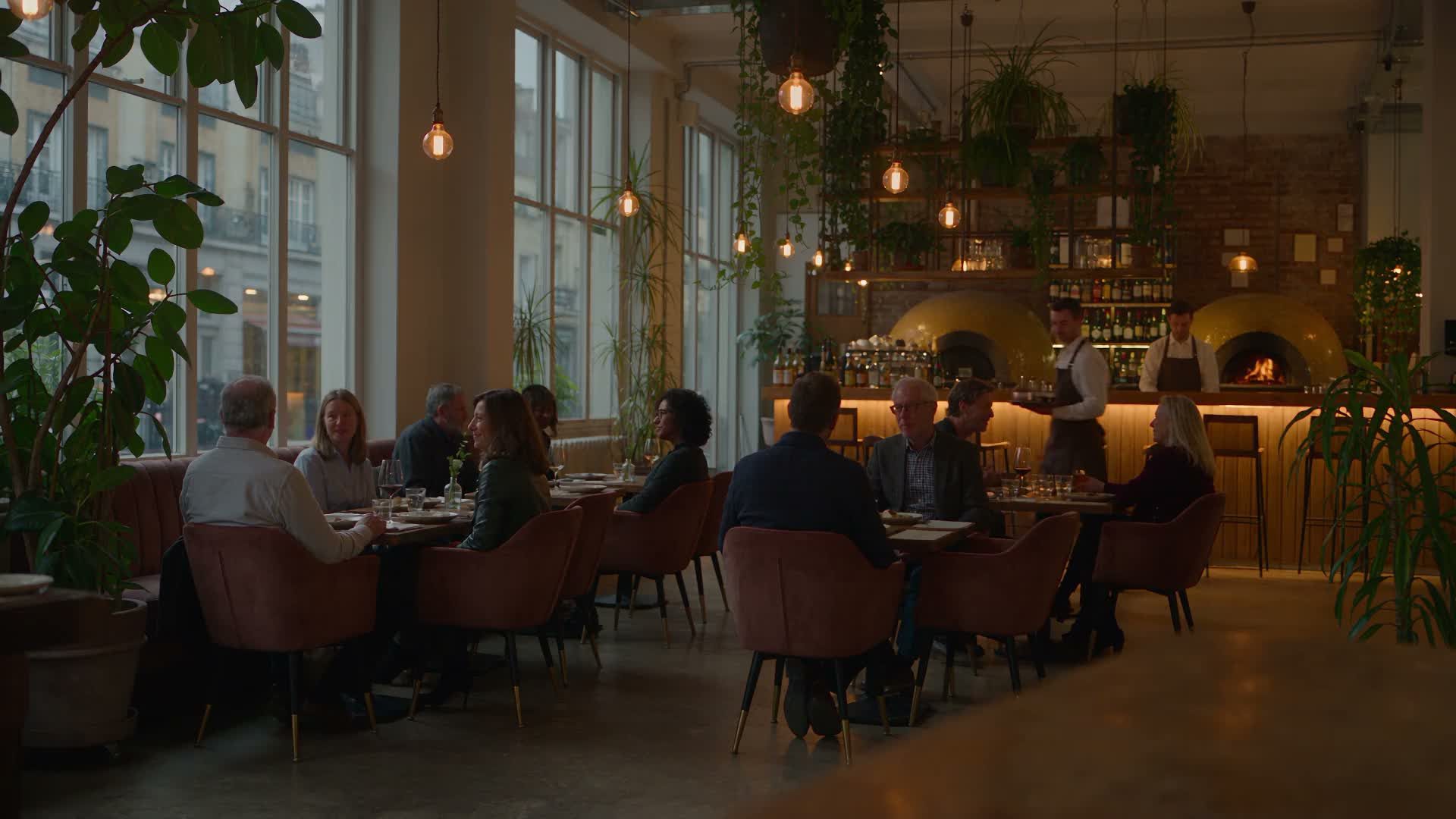
QR code ordering system in the restaurant: This is how ordering by code works
A QR code ordering system connects a printed code to a page where guests can order and pay directly. In hospitality, it comes in two forms. Guests either order at their table, or a code on a flyer, voucher card or delivery insert takes them to your own ordering website for delivery and collection.
For restaurants that currently sell heavily through platforms, the second form is particularly relevant. Orders placed in your own shop incur none of the platform commission charged by Lieferando, Wolt or Uber Eats depending on the contract and delivery model.
This guide separates the two use cases, then explains where the code should lead, how to measure its results and what technical and legal requirements matter.
QR code ordering systems: what operators mean
When operators ask for a QR solution, they rarely mean the same thing. One wants to ease the workload on service staff, the pizzeria owner next door wants fewer sales through delivery platforms, and some mainly want QR codes because competitors already have them.
Each of these goals requires a complete ordering system behind the code. Hospitality means working under time pressure, so every step from scanning to the kitchen must work. Without an orderable menu, basket, payment and reporting, a QR code is at best an information link.
Before deciding, clarify three questions:
- Where: Should guests order at a restaurant table or elsewhere for delivery and collection?
- Destination: Does the code lead to the ordering website, a promotion page or the menu?
- How: How will you measure success (orders, revenue, order rate per campaign)?
Two use cases you should separate
Many poor purchases happen because the two approaches are lumped together. This guide therefore treats ordering at the table and QR codes leading to your own ordering website separately.
Both approaches can make sense. But they solve different problems and place different demands on software, the POS system, workflows and reporting.
Case A: QR table ordering system (self-ordering at the table)
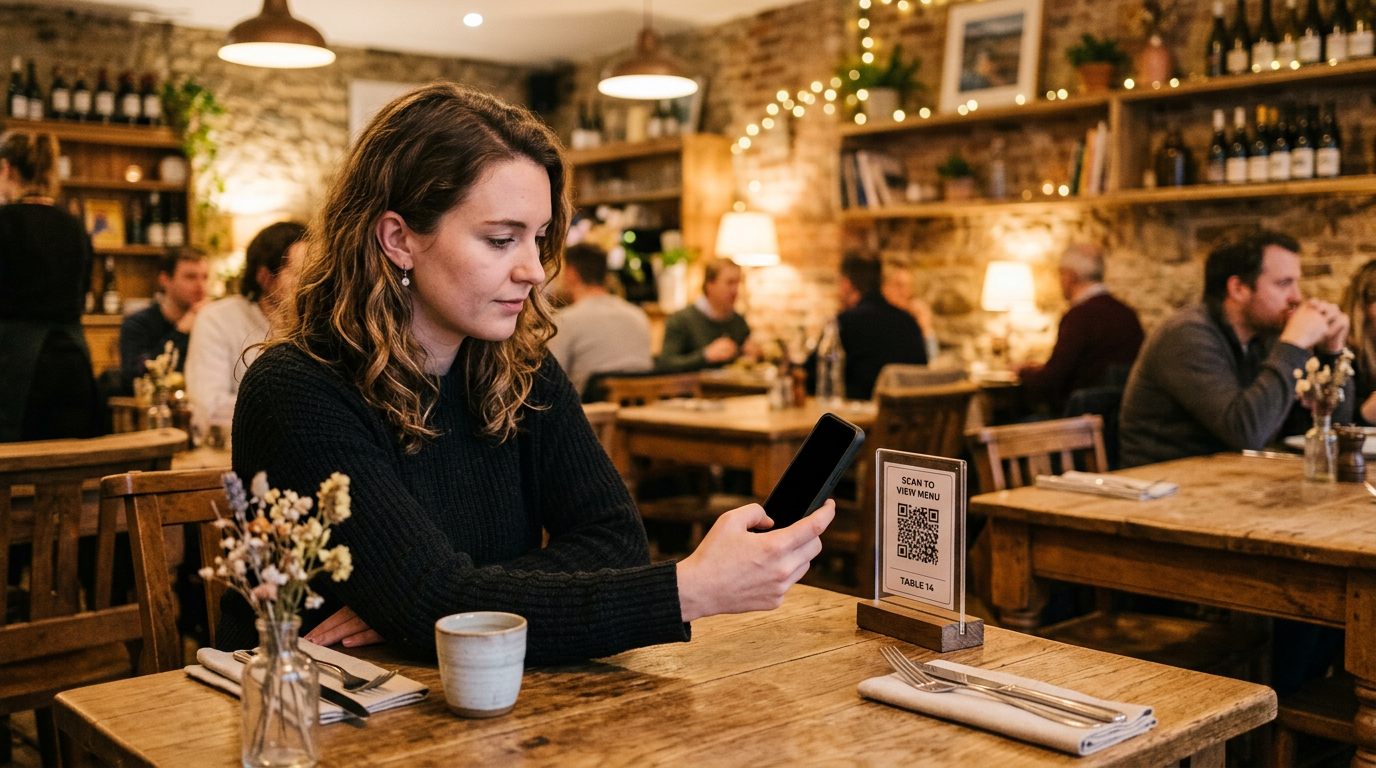
With QR code ordering at the table, the guest is already in the restaurant. They scan the code on the table, choose food and drinks from the digital menu and submit their order, often paying at their seat too.
This model is closely tied to the POS system because items, table numbers and tickets must match. It aims to reduce the service team's workload and avoid transcription errors, so you need a solution designed for table service. Table ordering does not save platform commission, however, because dine-in guests already order directly from you.
Case B: QR code as a link to your own online ordering website (without table software)
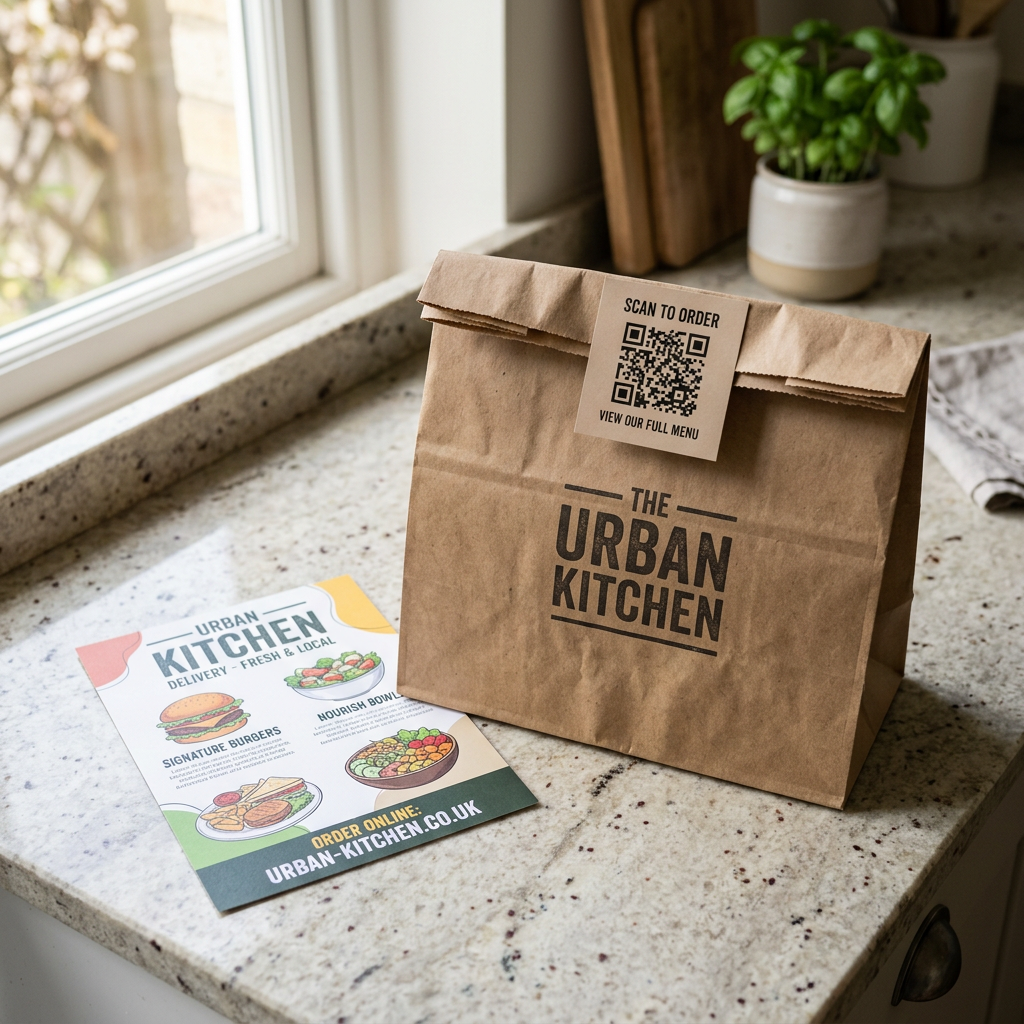
Delivery businesses and restaurants offering collection can generally implement Case B faster than a table-ordering solution. Here, the QR code appears outside table service, for example on flyers, voucher cards, delivery inserts or a display in the window. Anyone scanning it lands directly in your mobile ordering shop.
You usually do not need dedicated table-ordering software for this. You need an online ordering system for delivery and collection that works reliably on a smartphone, and a code that leads straight to it. With GastroSprint, the code on a flyer or voucher card opens your restaurant's ordering shop.
In practice: what you need for guests to order by QR code
Whether a code actually generates orders depends on the destination page, smartphone usability and measurement. These distinguish a gimmick from a working QR code ordering system. After scanning, ordering must be quick and trouble-free, and you want to see which placement generates which revenue.
Where the QR code should lead: directly to your own ordering website
Guests must be able to order immediately after scanning. A homepage, Instagram profile or PDF menu creates detours where many interested visitors drop off. In Case B, your own ordering website is therefore the natural destination. To see how a shop for delivery and collection is structured, visit the page about GastroSprint's online ordering system.
Before printing the code, the destination page should meet these requirements:
- Loading speed: The page loads within a few seconds, even on mobile data.
- Categories: Pizza, pasta and drinks are accessible without endless scrolling.
- Checkout: Only a few steps separate the basket from payment.
- No compulsory account: Guests can order without registering.
Common mistakes include a code without an explanation, printing it too small and linking to a page that only displays a shrunken desktop view on a phone. Scan every code with two different devices beforehand and run a test order through to the payment page.
Making results traceable: UTM parameters, short links and campaign codes
Without analytics and reporting, you cannot tell which code works. Give each placement its own link with UTM parameters. A suitably configured analytics tool can use these additions to the web address to attribute recorded visits to a source, for example:
- Source:
utm_source=flyerorutm_source=lieferbeilage - Medium:
utm_medium=printfor all printed codes - Campaign:
utm_campaign=oktoberfor a specific campaign
UTM parameters alone do not measure orders or revenue. Campaign attribution must be retained through checkout, and the completed purchase and order value must be recorded in the analytics system. This requires technical setup and compliance with data protection requirements, including any necessary consent. Without this setup, you are comparing visits, not purchases. Check attribution with a test order before launch; neither a QR code nor a GastroSprint shop automatically guarantees it. Read more in the Restaurant marketing guide.
A short link prevents a long address from making the code unnecessarily dense. Check who owns the redirect. If it depends on a QR generator subscription, already printed codes could stop working when you cancel.
An example using assumed figures illustrates the benefit. In October, you distribute 500 flyers with one code and put 500 cards with a second code into delivery bags. If configured purchase tracking attributes 30 orders to the inserts and 8 to the flyers after four weeks, that provides a starting point for the next campaign. To assess profitability, also compare order values, discounts, printing and distribution costs. Without purchase tracking, you cannot infer order numbers from this.
Technology, law and operations: what matters day to day
With a QR code ordering system, the technology and processes behind the code matter more than its appearance. Orders should arrive reliably even at Friday's peak, and legal requirements must be met. Before launch, clarify three areas: data protection (GDPR), payment integration and resilience.
Data protection (GDPR): collect only what you need
If you ask for names, addresses and phone numbers when taking orders, you must comply with the GDPR. You need a privacy notice covering the ordering shop, data minimisation, defined deletion periods and, depending on the setup, data processing agreements with service providers. Tracking also needs to be implemented correctly. Analytics tools that set cookies generally require consent through a cookie banner. If in doubt, consult a data protection specialist.
Payment integration: payment methods and fees
The easier payment is, the less often guests abandon checkout. Common options include credit cards, PayPal and wallets such as Apple Pay or Google Pay, with cash often available for collection. The methods a provider actually enables vary. Payment providers also charge transaction fees, and every payment must be clearly matched to an order.
Offline functionality (resilience): a plan for disruption
Wi-Fi outages, mobile dead spots and payment provider disruptions happen even in well-organised businesses. Decide beforehand who on the team will do what, such as taking orders by phone, and keep a mobile hotspot available as backup. Also ask how your provider reports incidents and when support is available.
More orders through QR codes: loyalty programmes and upselling
Once Case B is working, QR codes become a marketing tool. You build direct channels, create reasons to order again and increase revenue per order without a platform taking a share. Two approaches help:
- Customer loyalty: Vouchers, recurring incentives and offers available only in your own shop.
- Additional sales (upselling): Extras, meal deals, drinks and desserts are easy to offer digitally. Two or three relevant suggestions in the basket make more sense than a long list.
GastroSprint in Case B: personalised voucher cards and a QR tool for Google reviews
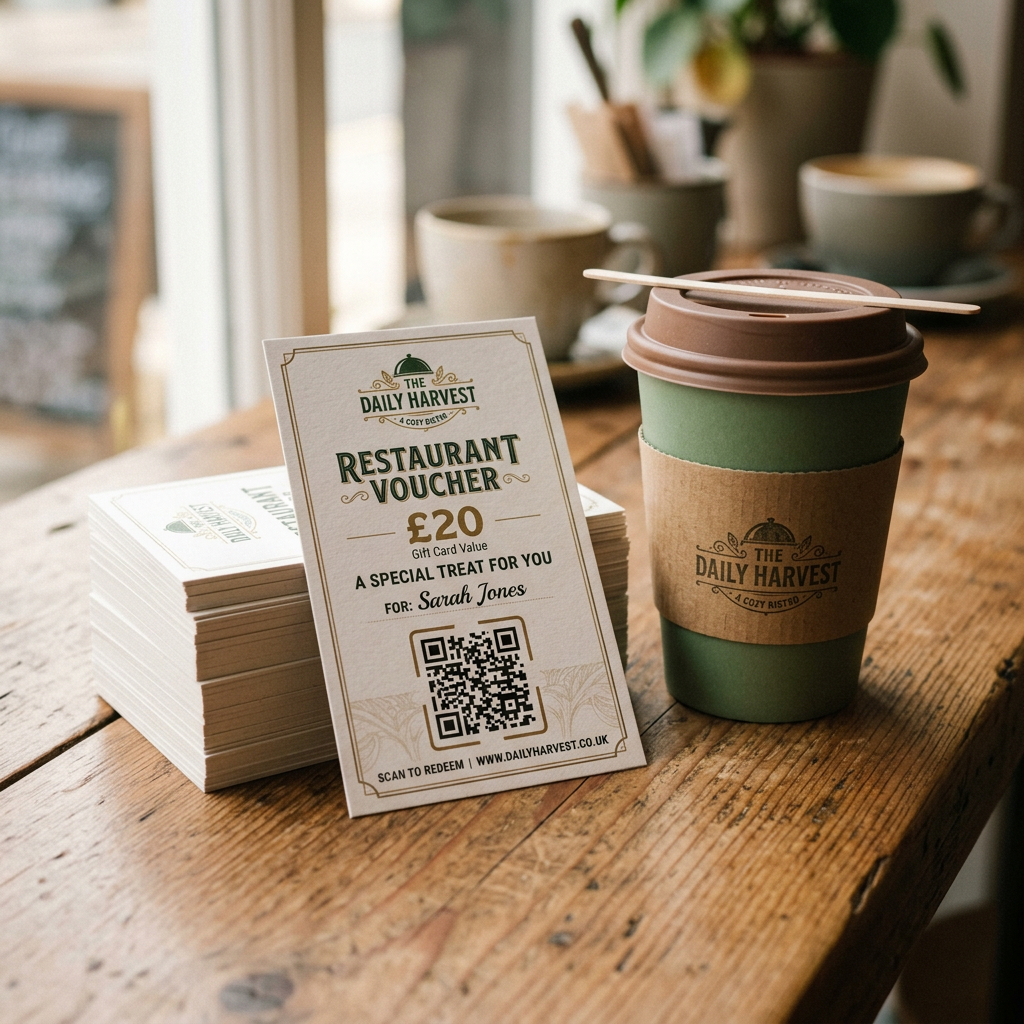
GastroSprint provides two useful components for Case B:
- Voucher cards at launch: Whatever plan you choose, the welcome package includes 1,000 cards personalised for your business at no additional cost. The printed QR code takes guests to your ordering shop with one scan. If you have Growth or Complete, the cards also provide access to your restaurant app. Voucher value, validity and redemption terms are agreed together before printing. Results depend on where and how you use the cards.
- QR tool for Google reviews: With the free QR code generator for Google reviews you can create a code that lets guests review your restaurant on Google.
If your menu is currently only a PDF, see the guide to Digitizing a PDF menu. It explains how to turn the file into a structured menu that can later be made available for ordering.
Conclusion: Case A or Case B for your business?
If you want a QR code ordering system to handle more orders without a platform, Case B is usually the quickest starting point. The code leads to your mobile-friendly ordering website, and UTM parameters help you analyse recorded visits by placement. Attributing orders and revenue requires separately configured purchase tracking.
If your main challenge is a busy dining room, Case A may fit. You will need a table-ordering solution that works properly with your POS system.
Concrete next steps:
- Choose table ordering (Case A) or the ordering website (Case B).
- Set up a destination page that loads quickly on smartphones.
- Create a separate code with tracking for each placement.
- Start with one or two placements and adjust them based on the results.
If Case B suits your restaurant, request a free GastroSprint demo to see what your ordering website with QR access could look like.
FAQ
What is the difference between QR code table ordering and a QR code linking to an ordering website?
With table ordering, the guest is in the restaurant and orders from their seat, so the solution is usually connected to the POS system. With a QR code linking to an ordering website, the guest orders on the go or at home for delivery or collection; the code takes them straight to your shop.
Is a QR code linking to the ordering website enough, or do I need table-ordering software?
For Case B, a code leading to a mobile-friendly ordering website is usually enough. You only need a dedicated restaurant ordering system with table management if guests should order and pay themselves at their tables.
How do I measure QR codes on flyers, voucher cards and delivery inserts?
Give each campaign its own link, for example with UTM parameters, and analyse visits using analytics and reporting. This initially shows recorded visits by source. Orders and revenue additionally require attribution through checkout that is technically configured and compliant with data protection requirements. Verify this with a test order before assessing campaigns by revenue.
What print size, placement and accompanying text encourage guests to scan?
A short instruction such as “Scan and order directly from us” explains what happens after scanning. Place the code where guests have time, such as on a delivery insert, flyer or in the window. A rule of thumb is a minimum size of around 2 × 2 cm; for longer distances, the side length should be roughly one tenth of the scanning distance. Leave a light-coloured margin around the code and test it with several smartphones before printing.
What do I have to consider regarding GDPR, payment integration and resilience?
- GDPR: Collect only the data needed for ordering and delivery, provide clear information and enter into data processing agreements with service providers where necessary.
- Payment integration: Offer several payment methods, understand the fees and clearly match every payment to an order.
- Reliability: Define a procedure for Wi-Fi and payment disruptions and clarify who on the team handles each task.
Sources and product basis
- GastroSprint online ordering website and welcome packageOfficial product presentation for your own online ordering website and the 1,000 voucher cards to start with.Retrieved on
- Google Analytics: Campaign URLsDocumentation for labeling campaign links with UTM parameters.Retrieved on
- Google Analytics: Recommended eventsPurchase events require their own setup and are not sent automatically.Retrieved on