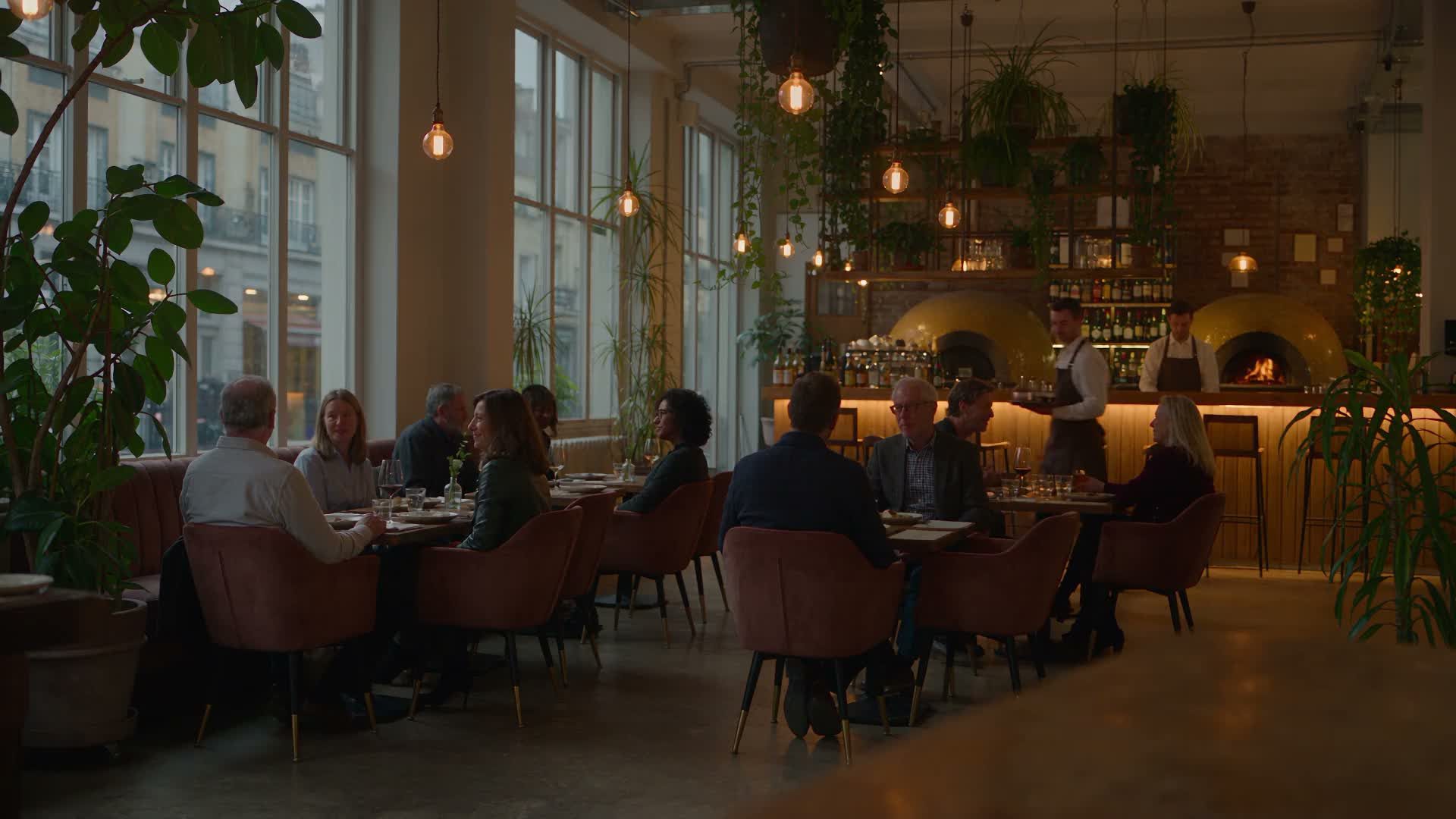
Ordering system for the catering industry: types, functions and selection criteria at a glance
A restaurant ordering system determines how an order travels from the guest through the kitchen to the till. When that journey runs through your own channels, you retain control of guest and order data, and revenue stays in the business. Without such a system, platform commissions, paper slips and duplicate entries shape everyday operations.
For independently owned restaurants and delivery businesses in particular, a system is worthwhile when it strengthens direct sales, connects to the till, payments and kitchen, and fits your business rather than forcing it into rigid workflows.
Five system types and how to choose the right one
The following features describe different types of ordering systems. The respective product sections explain which of them GastroSprint supports.
There are five core types of ordering systems that can be combined: your own online ordering website for delivery and collection, your own ordering app, a waiter app for table service, QR code ordering at the table and a self-service kiosk, also called an ordering terminal. All should capture orders clearly, pass them reliably to the kitchen or bar, process payments correctly and reduce your team's workload.
Start with your business type: a dine-in restaurant, takeaway concept, delivery service or a mix. Does the system cover every ordering option you need now and in the future, whether on site, for collection or for delivery? And how well do its interfaces (API integrations) work with your POS system, payment providers and, where relevant, accounting or inventory management?
Another key question is whether guest data stays with you or with a platform that also earns commission on repeat orders from your regulars. A good restaurant ordering system connects to a kitchen display system (KDS), supports digital payments and provides clear reports, such as which dishes sell when, average order value and peak times. This helps you shorten waits, plan staffing more accurately and improve contribution margins.
What a restaurant ordering system does: an order from start to finish
A professional restaurant ordering system covers the entire order journey, from the first look at the menu to payment and handing over the food. Every step should be digitally documented and traceable for guests, service staff, the kitchen, the till and management.
It starts with the menu: prices, availability, options (extras, spice levels, sides), daily specials, delivery areas and minimum order values. Ideally, you maintain it in one place and the system automatically distributes it to every channel, from the ordering website to the waiter app.
Order entry varies by channel but follows the same steps. The guest chooses a dish, selects options, adds kitchen notes and submits the order. The ordering system ensures that this information arrives in a structured format rather than as an illegible note or loose message.
Ordering processes and order taking: table, take-away and delivery service
Order taking is the biggest weak point in many businesses. When it goes wrong, mistakes reach the kitchen and ultimately the guest.
- At the table: A waiter app replaces handwritten order slips. Special requests are captured in a structured way, nothing gets lost and the kitchen receives clear instructions.
- Takeaway: Collection times need to be predictable. An online ordering system can spread orders across time slots to ease peak demand.
- Delivery: Delivery areas, fees, minimum order values and, where applicable, driver status belong in one system. That lets your delivery business grow without paper chaos.
Sales, efficiency and less waiting times through self-ordering
With self-ordering, guests place their own orders. This can increase revenue per guest and reduce your team's workload. Whether through a QR code at the table, a terminal or your own ordering website, orders arrive faster, add-on sales become easier and waiting times fall.
A typical example is a second drink or dessert that a guest reorders directly without waiting for service. These ordering moments are sales opportunities, and self-ordering helps you avoid losing them.
Direct channels: your own ordering website and ordering app
Delivery platform commissions only fall when guests order through direct channels. The foundation is your own online ordering website, optionally complemented by an app under your restaurant's name.
The biggest difference from external platforms is control. In your direct channel, you decide on the menu, prices, promotions, delivery areas and how you communicate with guests.
Your own online ordering website (GastroSprint example: 0% order commission, from €64 net per month)
On an ordering website, guests place delivery or collection orders directly in their browser. GastroSprint's entry-level Direkt plan covers this shop and starts at €64 net per month. Setup is free, with a one-month term. Direct orders carry no commission. Credit card and PayPal fees in the shop are governed by your own agreement with payment provider Mollie. You can add Kitchen Basic for the kitchen, at €49 net for up to 3 screens or €69 net for up to 10. Read more about setup and plans under Online ordering system for restaurants.
Typical features to look out for:
- Menu management with variants and extras
- Collection and delivery with time slots
- Online payment and order status
- Orders sent to the kitchen by display or receipt printer instead of tablet chaos
Your own ordering app: when it is worthwhile and what it costs
An app comes into its own once you have a core of regular guests who order repeatedly. With the Growth plan and above, GastroSprint brings your restaurant to the App Store and Google Play with its own app. Growth costs €119 net per month with a three-month term. There is no guaranteed date for approval by the app stores.
The benefits in everyday life:
- Repeat orders directly from the home screen
- A direct channel featuring only your restaurant
- Points, rewards and push notifications with consent
- One menu for shop and app
On-site restaurant ordering system: waiter app, QR code ordering system and kiosk
On site, speed, error rates and guest satisfaction are decided. A good system supports service staff, the kitchen and the till, especially when things get busy.
Waiter app at the table: quick ordering, fewer errors, better processes
The waiter app replaces the order pad as the standard tool for service.
- Orders sent directly to the kitchen and bar
- Structured special requests instead of deciphering paper slips
- Faster processes, fewer misunderstandings
- Optional card payments at the table, split bills and recorded cancellation reasons
QR code ordering: Control ordering moments at the table, order contactlessly
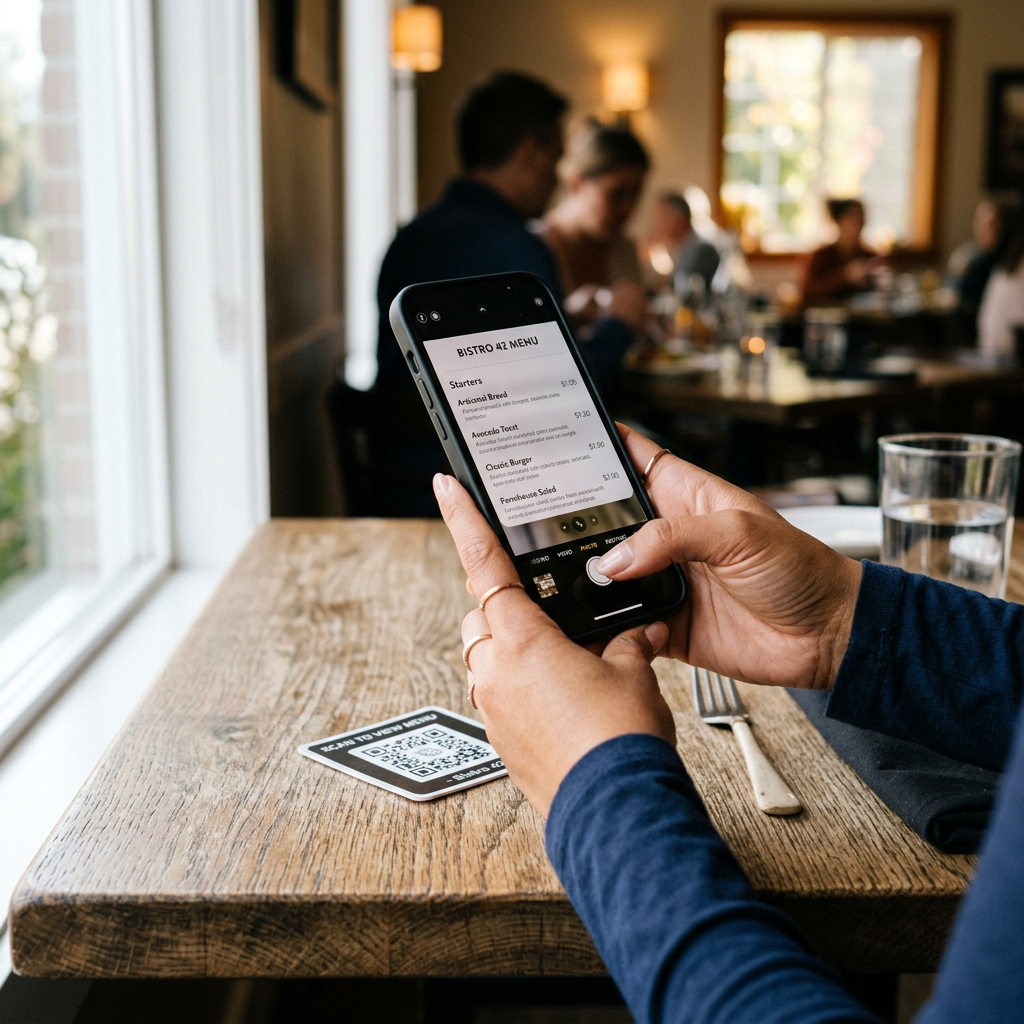
A QR code ordering system is a practical introduction to self-ordering. Guests scan, view the menu and order, optionally paying straight away. This shortens waits and prevents missed repeat orders.
QR orders should arrive in the same system as all other channels; otherwise, you create disconnected solutions again. Also check whether the code triggers a table order with a table number or simply opens the delivery and collection shop.
Self-service kiosks and ordering terminals: handle peak times and serve more guests at once
A self-service kiosk, or touchscreen ordering terminal, is especially useful in high-traffic settings such as lunchtime, events or counter-service businesses.
- More throughput without additional cashier staff
- A consistent ordering process with fewer errors
- Add-on offers directly within the ordering process
- Clear handover to the kitchen through a KDS
Features that matter: KDS, integrations, payments, data protection and inventory
The system type is only half the story: ordering systems differ mainly in their features and integrations. The features included in our ordering website are listed on the page about Features.
Kitchen Display System (KDS): why it is crucial
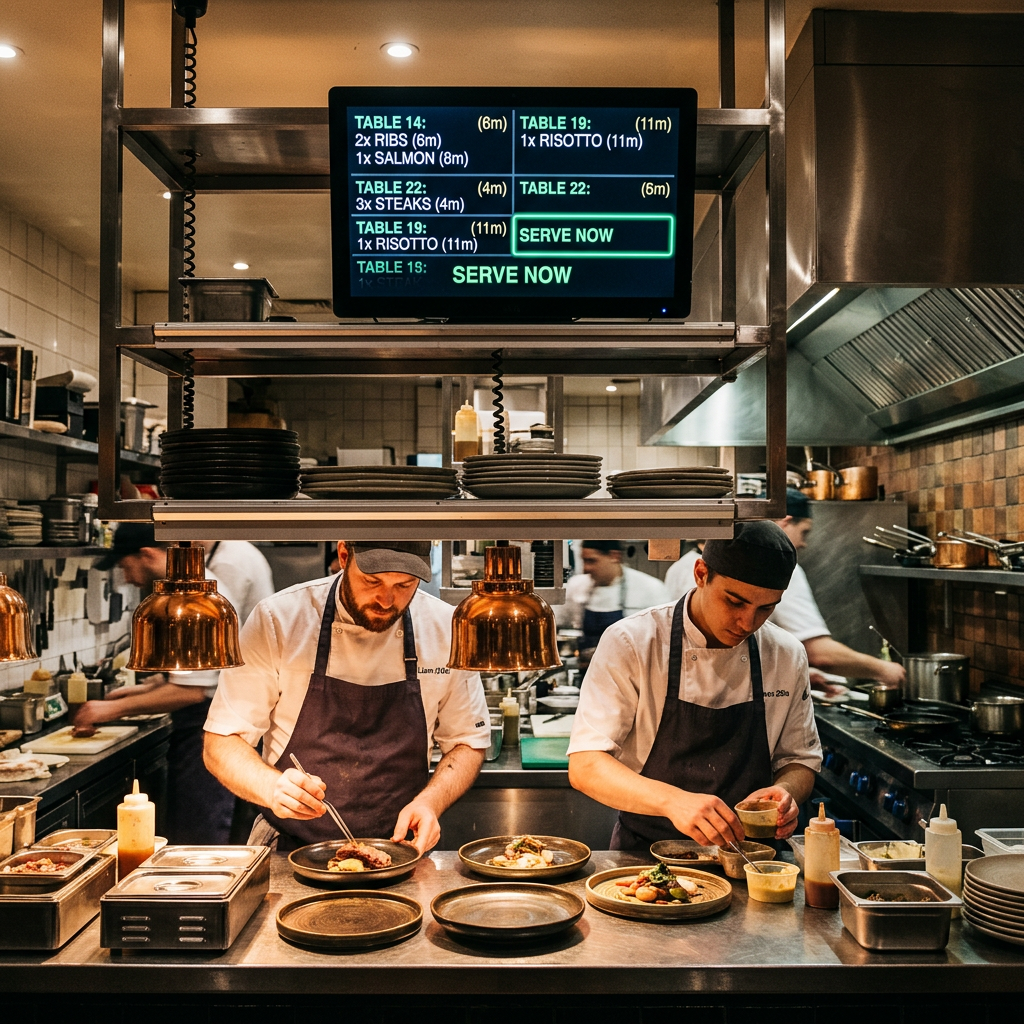
A kitchen display system (KDS) shows orders on a screen in the kitchen, replacing paper tickets:
- Orders in real time, neatly sorted
- Status (in progress, ready) visible to service and collection staff
- Fewer lost tickets and fewer follow-up questions
- Better coordination at peak times
Interfaces (API integrations): POS, payments and delivery platforms
Interfaces (API integrations) save duplicate data entry. Typical connections include:
- Cash register system (bonus, tax rates, daily closing)
- Payment providers (transaction status, fees)
- Delivery platforms if you also sell through marketplaces
- Accounting and exports
Ask to see which POS systems are actually connected today and which have only been announced.
Payment processing (contactless payments): fees, ease of use and reliability
Many guests want to pay contactlessly. Look for clear fees, ease of use and reliability so that payments work consistently in the restaurant, on the ordering website and in the app.
- Cards plus Apple Pay and Google Pay
- Online payment in the shop and app
- Automatic posting without typing errors
- Transparent fees and reliable terminals
Data protection and GDPR: what you really need to check
As soon as you process guests' personal data, such as delivery addresses, the GDPR applies. What matters is that procedures work in everyday practice rather than existing only on paper.
- Data processing agreement under Article 28 GDPR
- Roles and permissions in the system (who can see what?)
- Procedures for deletion and access requests
- Traceable data storage
Inventory management (warehouse integration) and menu synchronization
Inventory management connects orders to stock levels. Menu synchronisation means a change, such as a sold-out dish, takes effect across all channels immediately.
- Visibility into stock and shortages
- Automatically hide unavailable items
- Purchasing plans based on actual sales data
- Fewer disputes about sold-out dishes
Selection guide: ordering systems for restaurants, takeaways and delivery businesses
A simple matrix helps you avoid a poor purchase:
| Operating type | Recommended setup | Main goal |
|---|---|---|
| Restaurant with table service | Waiter app + KDS, optional QR code ordering | Reduce errors, speed up service |
| Takeaway/Pickup | Online online ordering website + online payment, optional kiosk | Make peak times predictable |
| Delivery service / ghost kitchen | Ordering website + app, KDS, POS and payment integration | More direct revenue, less commission |
Our guide explains whether your own shop or a delivery platform is the better fit for you: Guide to ordering websites and delivery platforms.
Checklist: Minimum requirements before switching
- Menu can be maintained centrally (maintain once, use everywhere)
- Ordering options for tables, collection and delivery
- KDS included or at least connectable
- POS integration without duplicate entry
- Contactless and online payments, correctly recorded
- Data protection with a processing agreement, permissions model and clear procedures
- Accessible, practical support at launch
FAQ
What does a commission-free ordering system for restaurants and delivery businesses cost?
Commission-free models usually charge a fixed monthly fee based on features rather than taking a share of revenue. GastroSprint's ordering website, for example, starts at €64 net per month with no commission on direct orders; Mollie fees for online payments are additional. What matters is how much commission you currently pay to platforms and how much direct revenue is realistic.
Which is better: online ordering website or delivery platform (commission vs. direct sales)?
A platform brings guests who do not yet know you, but charges commission and retains the customer relationship. An ordering website is your direct channel, with more control and more revenue per order. A mix often works well: the platform brings new guests, while the shop or app handles repeat orders.
How do I connect an ordering system to a POS system through interfaces (API integrations)?
Look for genuine integrations rather than simple export files. Ideally, orders flow automatically into the till, payments are posted correctly and the daily close balances without rework. A test order before switching shows whether tax rates transfer correctly.
Are paper order slips still useful in restaurants, or should everything be digital?
As a fallback, yes; as the standard, rarely. Handwritten slips cause errors, take time and make reporting harder. A waiter app, QR code ordering and KDS speed things up, and nobody has to decipher handwriting. Still, keep a pad by the till for an internet outage.
Conclusion and next steps
A restaurant ordering system pays off when it stabilises your ordering processes, reduces commissions and keeps guest data in your own system. Start with a solid foundation of menu management, order taking, payments, KDS and POS integration, then add an app, QR ordering or kiosk to suit your business. You can explore GastroSprint's ordering website in a free demo beforehand.
Sources and product basis
- GastroSprint prices and plansOfficial plan overview for the online ordering website and your own restaurant app.Retrieved on