
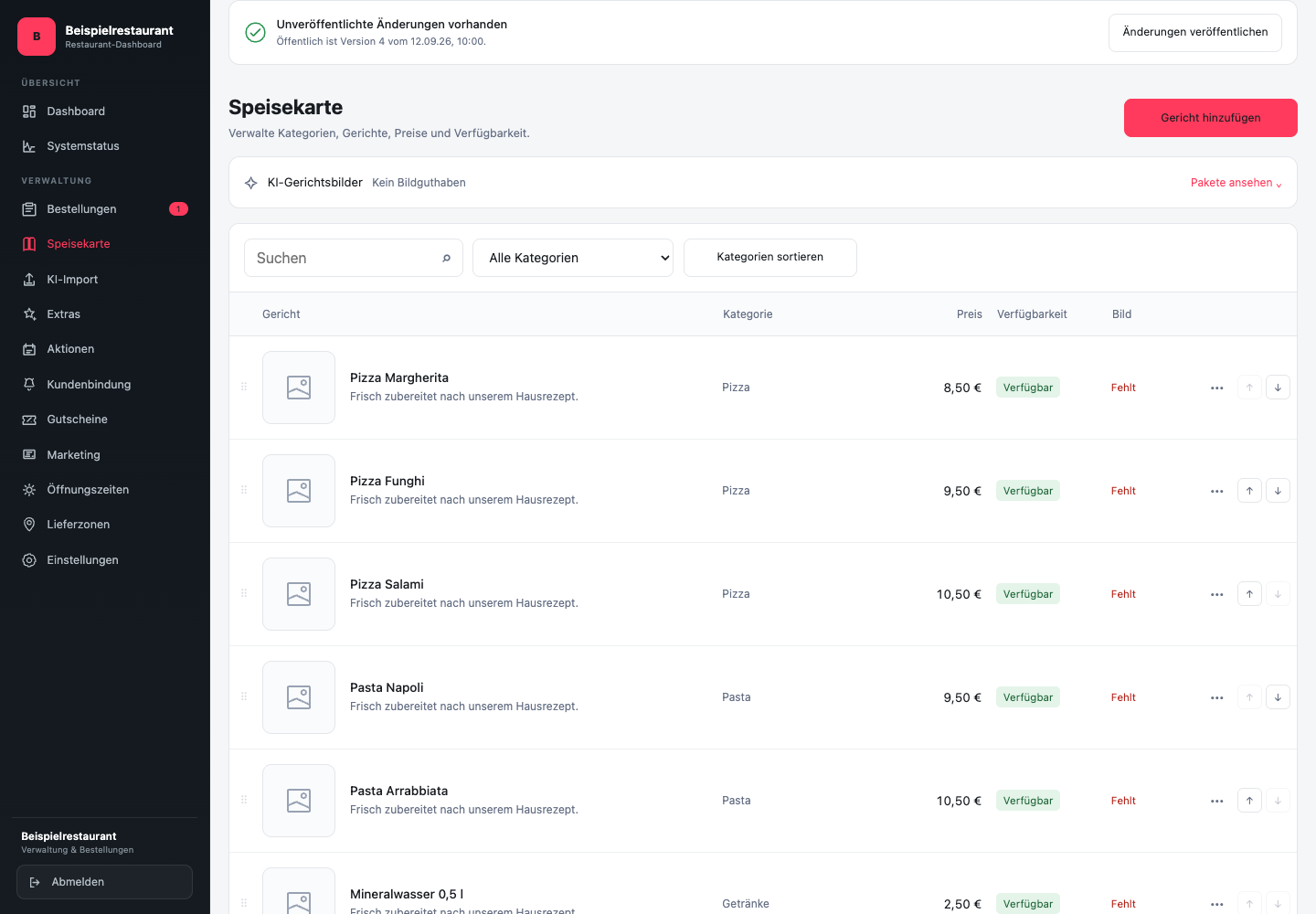
Where do you edit categories and dishes?
- Open Menu in the sidebar.
- Narrow the list using the search or category filter.
- Click on the dish you want. A dialogue opens with the tabs Details and Product image; depending on activation Kitchen added.
- Edit below Details Name, description, price, category and other product information. Click on Save.
About Sort categories you open the category management with order and editing actions. The publication status is above the heading. Publish changes is a separate step after saving.
How do you structure the menu?
Categories help guests find suitable dishes. Use clear labels such as “appetizers,” “burgers,” or “soft drinks” and avoid multiple categories with almost the same content.
Before adding a new category, check whether the products fit into an existing group. A clear menu is easier to use in the online ordering website than a long list of very small categories.
Which product data should you check?
Open the desired dish and check at least:
- a unique product name
- a short, factual description
- the correct base price
- the appropriate category
- the current availability
- If necessary, variants, extras, allergens and additives
Price information must match the product offered. If a size or combination has its own price, display it as a confirmed variant or selection instead of just writing the information in the description.
When will guests see the change?
Menu changes are prepared in a controlled manner. After saving, check to see if any unpublished changes appear. Control names, prices and assignment in the menu design. The public online ordering website continues to show the current status before publication.
Publish related changes together. For example, if you create a new category and three new products, the category should not be empty and none of the products should become public without correct selection options.
Price, allergens and additives must be professionally confirmed by the restaurant. GastroSprint provides the technical illustration, but does not decide on this information for operation.